
Black Friday: 2x credits all year on yearly
Black Friday: yearly plans get double fast credits every month for a year with BLACKFRIDAY, until Nov 29.
Free AI video generator with no account for your first clip: describe a shot or upload a photo, and a 4-second 480p clip with sound comes back to download.
Every page below runs the same free lane, MiniMax H3 at 480p with sound. What changes is the starting point, the example prompts and the tips, so pick the one that matches what you have in hand.

You have a picture that should move. Upload it and it becomes the first frame of a clip with sound.

You have an idea and no picture. Write the shot in a sentence and it comes back as a clip.
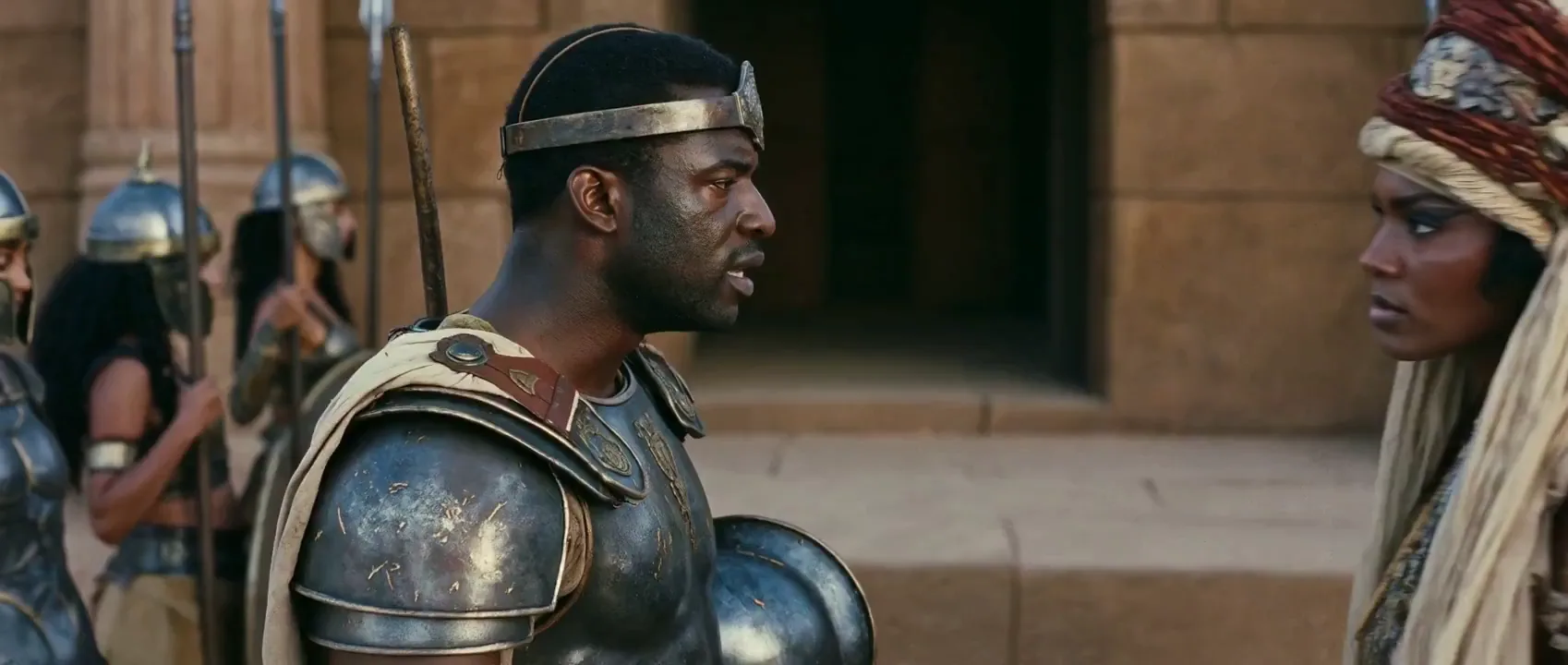
You want voices, footsteps and room tone in the clip. Write the sound into the prompt and hear it play.

You want to post the clip as it is. Free clips download with no logo stamped across them.
Veo 3.1 Fast: 8-second clips with native audio, on fast credits from any plan.
Grok Imagine Video 1.5: 6, 10 or 15-second 720p clips with sound, on fast credits from any plan.
Seedance 2 Mini: the lightest Seedance, 480p or 720p clips on fast credits from any plan.
Seedance 2 Fast: real-looking 480p or 720p clips on fast credits from any plan.
Seedance 2.0: the full model at 480p or 720p, on fast credits from any plan.
Seedance 2.5: realistic single takes of up to 30 seconds at 480p or 720p, on fast credits.
MiniMax H3: free clips with sound and no daily cap on a free account, up to 15 seconds at 768p on a plan.

One old family photo in: the people in it blink, smile and look back at you.
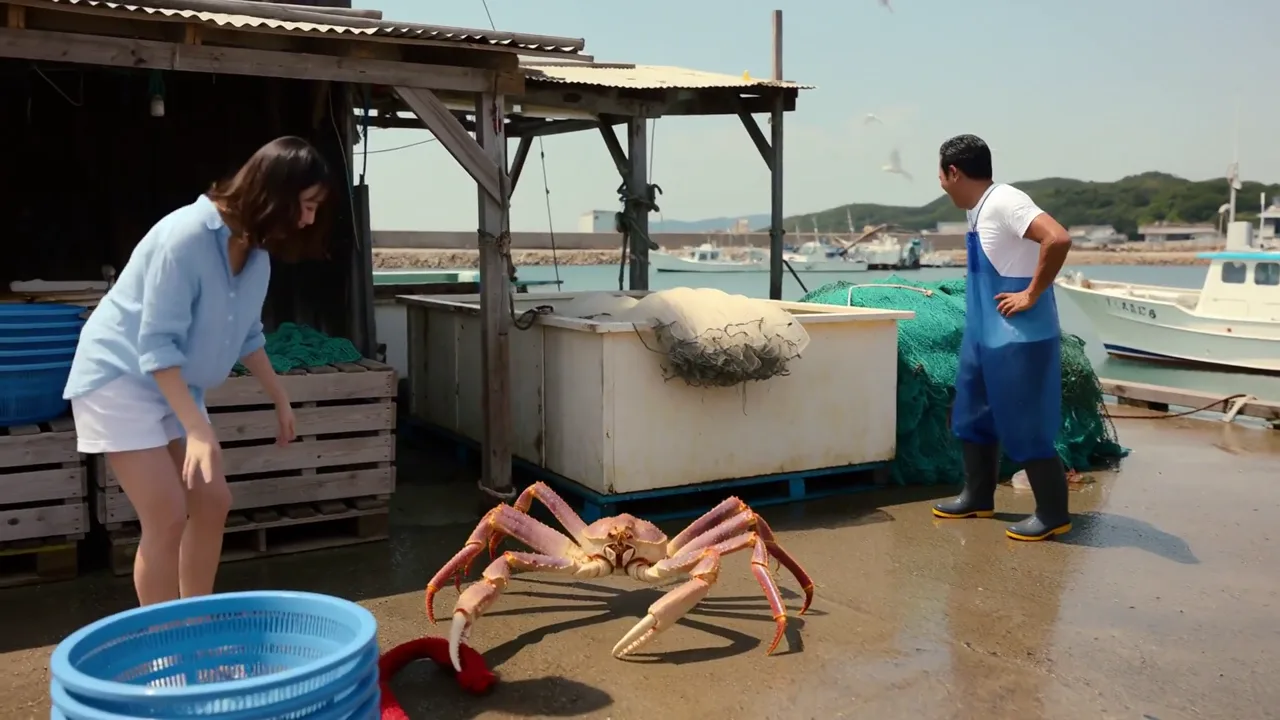
Type a scene and get your first clip with sound before you make an account.

Animate as many pictures as you like on a free account, every clip with sound.
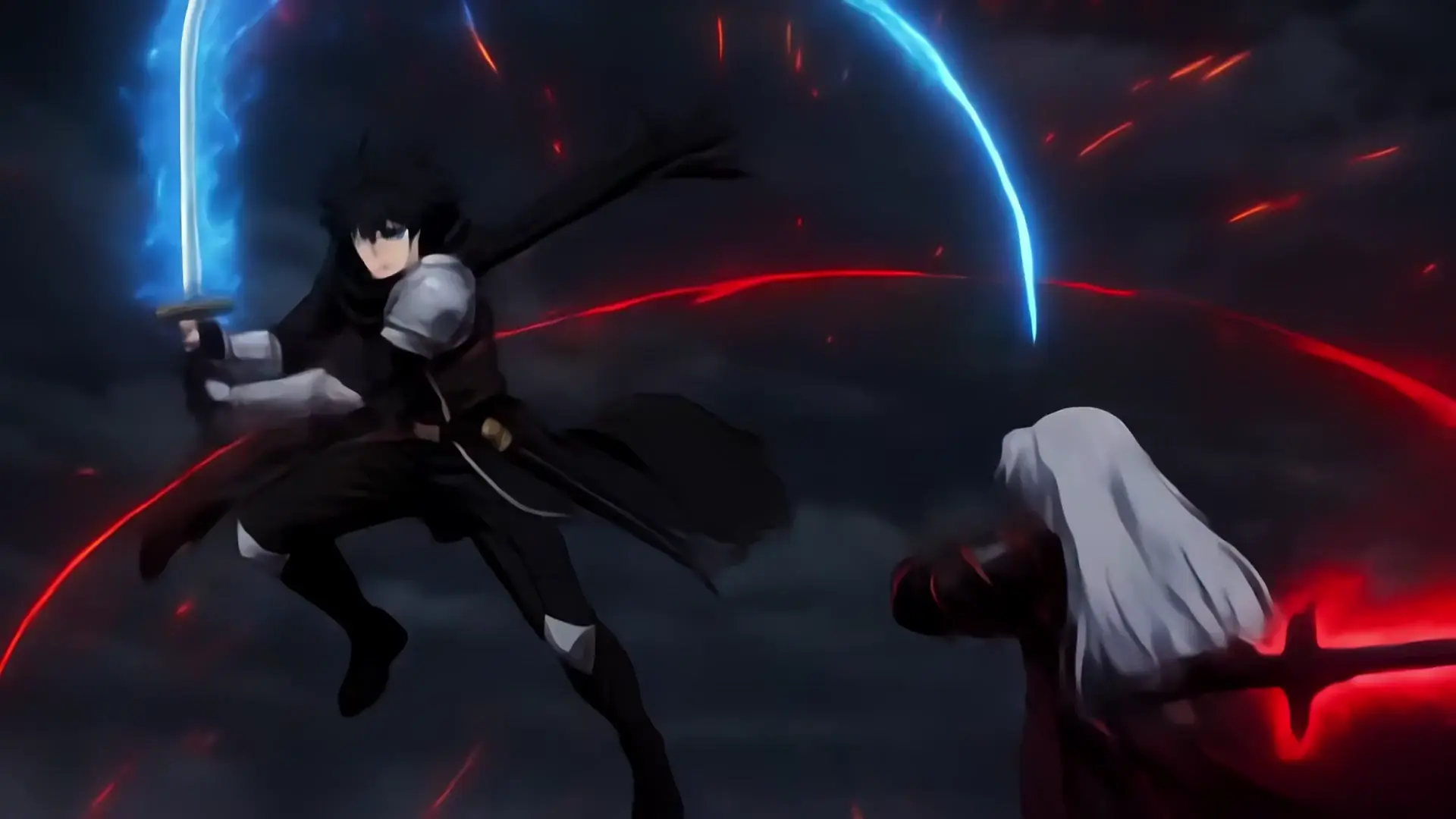
Type an anime scene and get a 2D clip back with its own sound and voices.

Type a cartoon scene and get a flat 2D clip back with its own sound and voices.

Pick a look, 3D, clay, stop motion or paper cutout, type a scene and get it back animated with voices and sound.

Talking 3D fruit with faces say the lines you write, voiced and vertical, the same cast back every episode.

Type an animal scene and get a clip back with its own sound: cats, dogs and wildlife, cute or real.
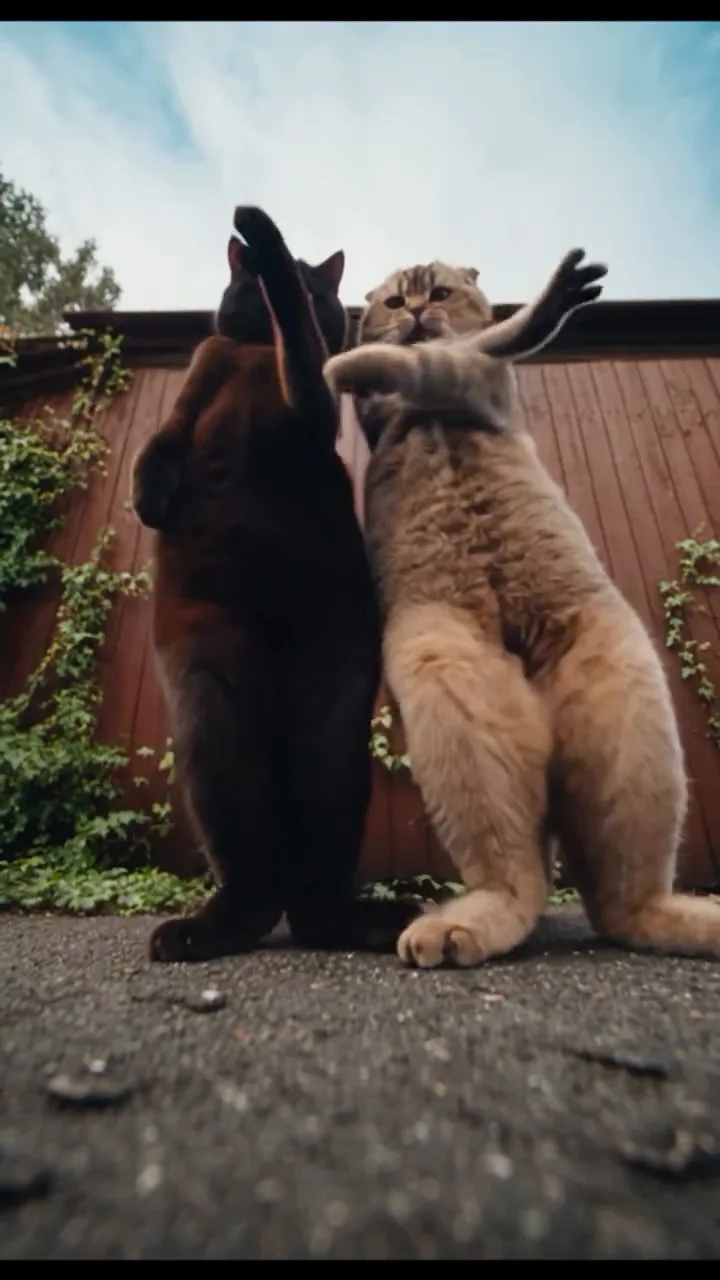
One photo of your dog or cat in: it dances, walks, talks or wakes up, with its own sound.

Type one scene of a kids story and get it back animated, with a narrator and sound in the clip.

Type one line of a nursery rhyme and get it back as a 3D cartoon clip with the song sung in it.
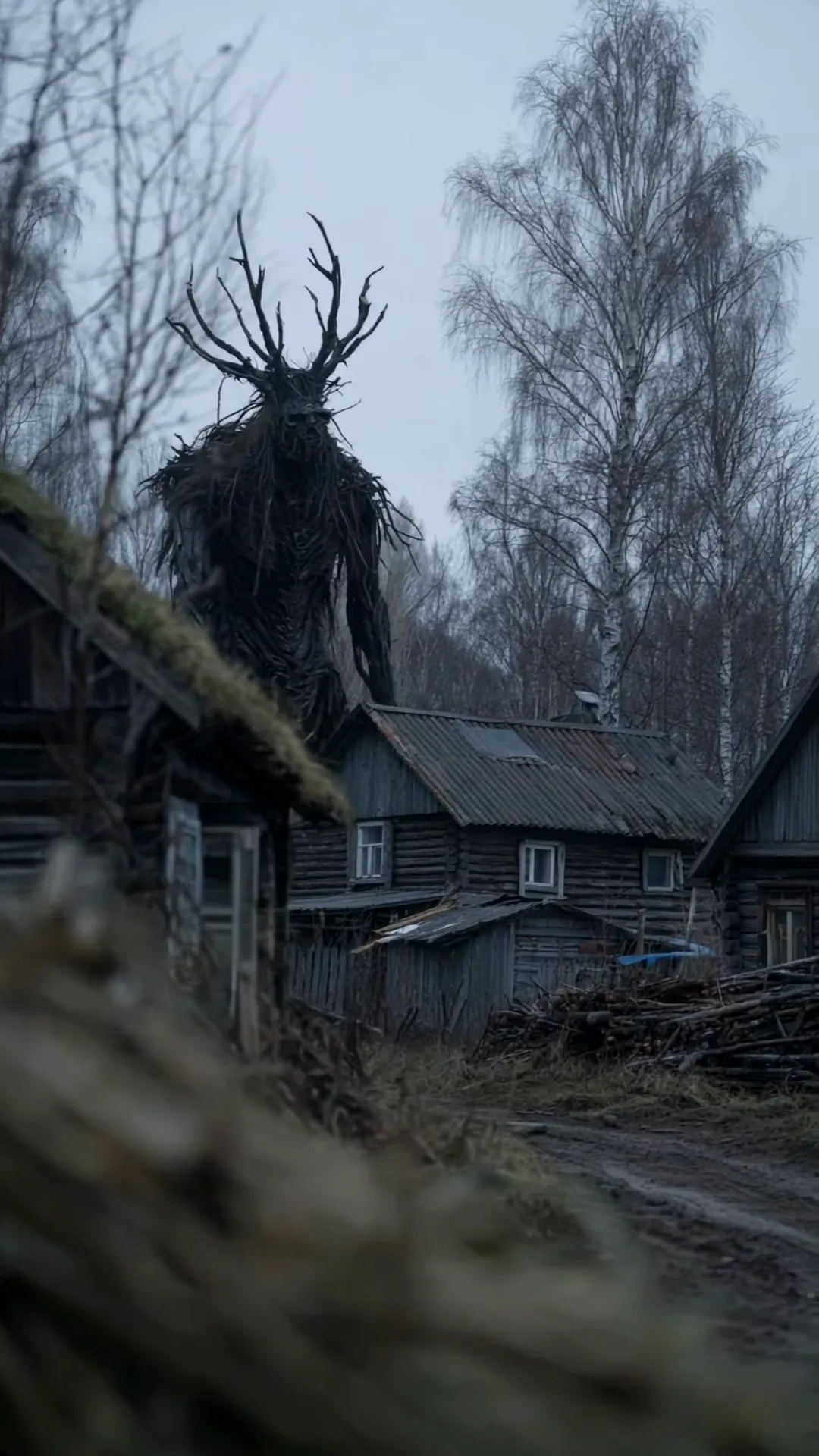
Type a scary scene and get it back filmed with its own creaks, whispers and dread, made for horror shorts.
Tools
Here is the whole free lane in one go. Your first clip needs no account and no card: MiniMax H3 renders it at 480p, 4 seconds long, with an audio track. Sign in with a free account and every clip after that costs nothing too, with no daily cap. Free clips share one queue and run one at a time, so a busy hour means a longer wait. A run that fails costs nothing, and free clips download without a watermark for personal use. A plan is where Movoa becomes an unlimited AI video generator: 768p, clips up to 15 seconds, out of the free queue, more models and commercial use. Every price is on the pricing page.
Type a sentence or drop in a photo and press the button. A 4-second MiniMax H3 clip at 480p with sound comes back, yours to download.
Signed in, each 480p H3 clip costs nothing and lands in your history. Make one, then the next; clips wait their turn in the shared queue.
H3 at 768p and up to 15 seconds with no monthly cap, out of the free queue, 100 fast credits a month for Grok, Seedance and Veo, and commercial use.
Everything in Starter with 200 fast credits a month, room for up to 40 six-second Grok clips with sound, and two clips rendering at once.
Four steps from an empty box to a clip on your phone. Starting from a picture works the same way, and the photo to video AI free page shows which photos move well.
Name who is in it, what they do, where the camera is and what we hear. Four seconds holds one action, so give it one.
H3 at 480p is the free lane and it is already selected. A model marked On a plan never charges you by surprise; pick one and it tells you what it needs first.
The panel shows where your clip is: waiting, rendering, saving. You can switch tabs; the clip is there when you come back.
Keep the take, or edit one detail and run it again. Signed in, every take stays in your history to download later.
Yes: this free AI video generator's free lane costs nothing per clip, with no card on file. Your first MiniMax H3 clip needs no account, and a free account keeps making 480p, 4-second H3 clips with no daily cap. What you trade for free is time, because free clips share one queue.
Yes, for your first clip. Open this page, type or upload, and press the button; no sign-up screen comes first. To make more, sign in with a free account, which also keeps every clip in your history.
Three, and no daily cap. Free clips are 480p, 4 seconds long, and run one at a time in a queue shared with every other free user. A plan lifts all three: 768p, up to 15 seconds, and no free queue.
No. Free clips download as the model rendered them, with no logo stamped on the frame. The AI video generator, no watermark page covers what that means for posting them.
On Movoa, MiniMax H3 is the model that runs free. It takes a sentence or a photo and returns a clip with an audio track. The Grok Imagine video generator, Veo 3.1 Fast and Seedance 2.5 sit in the same generator on paid plans.
Yes. Text to video is the default mode here: describe the shot and MiniMax H3 renders it. Name the subject, the action, the camera and the sound, and the clip comes back closest to what you pictured; the text to video AI free page has prompts to start from.
Yes. Every free MiniMax H3 clip comes with an audio track, so write the sound into the prompt: rain on a window, a crowd, a line of dialogue. The AI video generator with audio page shows prompts that get it.
In our tests, a 4-second MiniMax H3 clip took 42 to 126 seconds to render. Free clips can wait in the queue before that starts; the panel shows where yours is. Keep any Movoa tab open and it starts the moment its turn comes.
Personal posts, yes: the free clip is yours to download and share. Commercial use, such as client work or a monetized channel, comes with the paid plans from Starter at $14.90 a month.
No. Veo 3.1 Fast runs on the fast credits in every paid plan. If you came looking for free Veo, the Google Veo 3 free page lays out every free route, Google's included.
When the queue or the 4 seconds get in your way, or you need 768p files or commercial use. Starter at $14.90 runs H3 at 768p, up to 15 seconds, with no monthly cap, and its 100 fast credits a month cover 15-second Grok clips with sound.
Unlimited MiniMax H3 on every paid plan, plus fast credits each month for Veo 3.1, Seedance and Grok. A failed run is refunded.
Black Friday: yearly plans get double fast credits every month for their first year; monthly plans, the first month. BLACKFRIDAY is applied at checkout until Nov 29.
See the deal →Free · A real clip before you pay anything
Nothing to sign, nothing to cancel.
1×
full-speed H3 a day
1
clip rendering at once
Queue up to 5 clips — they render while you're away
What's included
2×
full-speed H3 a day, vs Starter
2
clips rendering at once
Queue up to 20 clips — they render while you're away
Everything in Starter, plus
Checkout runs on Stripe. Your card details never reach Movoa.
5×
full-speed H3 a day, vs Starter
3
clips rendering at once
Queue up to 50 clips — they render while you're away
Everything in Creator, plus
10×
full-speed H3 a day, vs Starter
5
clips rendering at once
Queue up to 100 clips — they render while you're away
Everything in Pro, plus
Cancel from Settings → Billing whenever you like; your plan keeps running until the end of the period you already paid for. Who runs Movoa, every model on the shelf and how to reach us are on the about page.
One sentence or one photo, no account, no card. Your clip with sound comes back on this page, ready to download, and the next one is free too once you sign in.
Make my free clipFree · 480p · with sound