
Black Friday: 2x credits all year on yearly

Your own MP3, WAV or M4A · Up to 12 seconds of the song per clip · 9:16, 16:9 or 1:1 · Your song is the soundtrack

AI Music Video Generator: Your Song, Sung by the Face in Your Photo

Drop in your track and a photo of the singer, pick the bars, and get back a clip where they sing your song, ready to post on release day to TikTok, Reels or YouTube.

Your track is the soundThe face from your photo sings itVerse after verse, the same singer
Music videos

Clips from the AI music video generator, with the song in them

Turn the sound on: every clip plays the song it was made for. The first is a photo and a song we put through the AI music video generator above; the others are creators' own Suno songs turned into videos with Seedance.

Photo + song

One photo, one song, a rooftop chorus

What the AI music video generator does with your song

Give the AI music video generator your song (MP3, WAV or M4A), one photo of who sings it and a line about the scene, then pick where the clip starts. It cuts that part, up to 12 seconds, and Seedance 2.0 makes the person in your photo sing and move to it, with your song as the soundtrack. It runs on every paid plan, and a song clip that fails costs you nothing.

Creative engine

A song and a photo in, a sung clip out

The part of the song you picked becomes the clip's sound; the face in the photo performs it in the scene you wrote.

Your song
As the soundtrack
Up to 12 s
Of the song per clip
9:16 · 16:9 · 1:1
For TikTok or YouTube

See the look free, then add the song

On a free account, MiniMax H3 makes a 4-second clip of the same photo and scene with its own sound, no daily cap. When the look is right, press Make it follow my song and the next clip plays your track.

Start from the bars that matter

Most people make the chorus first: it is the hook a TikTok or Reels post lives on. Slide the start point to it, set the clip to 10 or 12 seconds, and that is your first post.

One photo keeps one singer

The face comes from your photo every time, so using the same photo for every part of the song keeps the same singer from the intro to the last chorus. A clean, front-facing photo works best.

Write the scene, not the song

The song already sets the mood and the beat. Your line says where the singer is and what the camera does: a rooftop at dusk, a neon street in the rain, a slow push-in on the chorus.

A whole song

How to make a full song's video with the AI music video generator

A music video is a row of short clips cut to the song. The AI music video generator makes each one with the matching part of your track already in it, so the edit is just putting them in order.

  1. Clip 1

    Make the chorus first

    Add your song and the singer's photo, slide the start point to the chorus, write the scene and press Generate. Post it alone, or keep it as the centrepiece of the full video.

  2. Clips 2 to 10

    Walk the start point through the song

    Move the start point to the next part, keep the same photo, change the scene if you like: the verse in the car, the bridge on the beach. Every clip carries its own piece of your track.

  3. The edit

    Lay the clips on your song in CapCut

    Drop the full song on the timeline in CapCut or any editor and line each clip up at its start point. Because each clip already plays its part, the cuts land on the music.

Who it's for

Who makes music videos with the AI music video generator

Everyone below already has the song. What they did not have was a video with a face singing it, without a shoot, a crew or a week of editing.

AI songwriters

AI songs that need a face

You made the track in Suno or Udio and the built-in export is a still cover. Give the song a singer: a photo of the character you imagined, singing the chorus you wrote, and the story behind it in the AI movie generator.
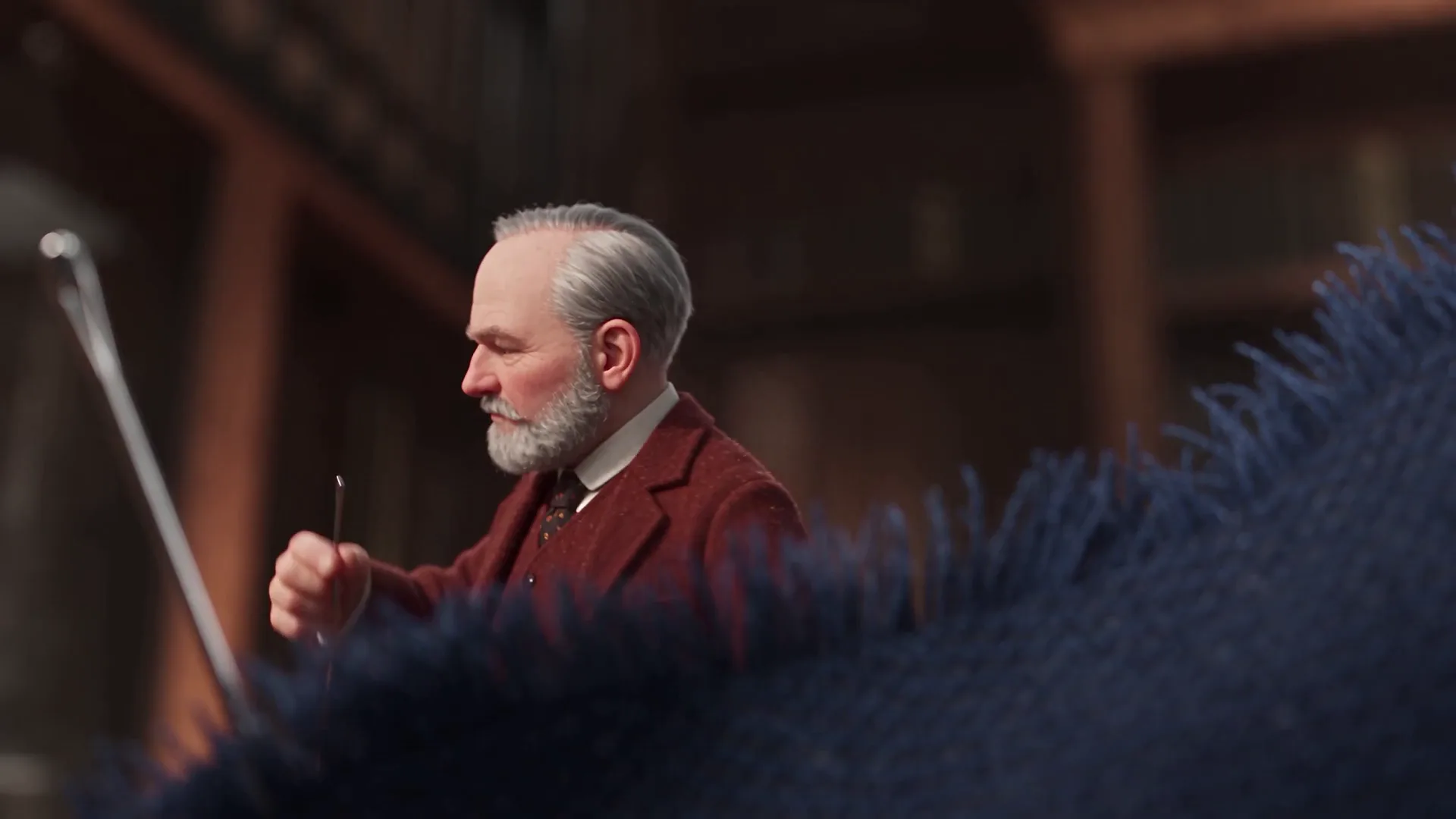

Independent artists

Release-day clips for your single

Your own face, your own track, a different scene for each platform: a vertical chorus for TikTok and Reels, a wide one for the YouTube premiere, all made in one evening.

Bands

Every member gets a verse

One photo per member, one clip per part of the song: the singer on the chorus, the guitarist on the solo, cut together into one performance video.

Covers and parodies

Your cover, performed on screen

You recorded the cover or wrote the parody yourself. Upload your recording and the clip puts it in the mouth of the photo you chose.

Gifts

A song made for someone

A birthday song you wrote for a friend, sung by their own photo. It is the video they will replay and send to everyone.

Characters

A virtual singer for your channel

An anime idol, a cartoon frog with a band, a 3D mascot. Draw or generate the character once and keep using that picture for every song you release.

How much of your song

How many AI music video clips each plan makes a month

Every paid plan makes clips with your song in them each month, and the bigger the plan, the more of the song you can cover. A 30-second part of a song is three 10-second clips; a full song is usually 15 to 20.

Free accountStarterCreatorProStudio
Your song as the soundtrack—
10-second clips with your song, 480p, each month—371837
10-second clips with your song, 720p, each month—13816
Preview the look first on MiniMax H34 s, 480p, its own soundUp to 15 s, 768pUp to 15 s, 768pUp to 15 s, 768pUp to 15 s, 768p
Release and monetize the videoPersonal posts onlyIncludedIncludedIncludedIncluded

Unlimited AI video generator pricing

Unlimited MiniMax H3 on every paid plan, plus fast credits each month for Veo 3.1, Seedance and Grok. A failed run is refunded.

Free · A real clip before you pay anything

Nothing to sign, nothing to cancel.

Make my first clip free
Unlimited H3

Starter

For people who make a few AI video clips most days.
Tax included
$14.90 / month
Unlimited MiniMax H3Veo, Seedance and Grok are counted, not unlimited: about 14 Veo 3.1 (8s) · 2 Seedance 2.0 Fast (10s) · 9 Grok (15s) a month.100 fast credits / month

1×

full-speed H3 a day

1

clip rendering at once

Queue up to 5 clips — they render while you're away

Heaviest days
Never blocked
MiniMax H3

What's included

  • Unlimited MiniMax H3 at 480p or 768p
  • About 14 Veo 3.1 Fast clips a month: 8s 720p with sound
  • 100 fast credits a month for Veo, Seedance and Grok
Popular

Creator

For creators posting every week.
Tax included
$29 / month
Unlimited MiniMax H3Veo, Seedance and Grok are counted, not unlimited: about 28 Veo 3.1 (8s) · 5 Seedance 2.0 Fast (10s) · 18 Grok (15s) a month.200 fast credits / month

2×

full-speed H3 a day, vs Starter

2

clips rendering at once

Queue up to 20 clips — they render while you're away

Heaviest days
Never blocked
MiniMax H3

Everything in Starter, plus

  • About 28 Veo 3.1 Fast clips a month: 8s 720p with sound
  • Twice Starter's full-speed H3 every day
  • Two clips rendering at once

Checkout runs on Stripe. Your card details never reach Movoa.

Pro

For weekly uploads that mix models.
Tax included
$59 / month
Unlimited MiniMax H3Veo, Seedance and Grok are counted, not unlimited: about 71 Veo 3.1 (8s) · 14 Seedance 2.0 Fast (10s) · 45 Grok (15s) a month.500 fast credits / month

5×

full-speed H3 a day, vs Starter

3

clips rendering at once

Queue up to 50 clips — they render while you're away

Heaviest days
Never blocked
MiniMax H3

Everything in Creator, plus

  • About 71 Veo 3.1 Fast clips a month: 8s 720p with sound
  • 5× Starter's full-speed H3 every day
  • Three clips rendering at once
Best value

Studio

For a channel that posts every day.
Tax included
$119 / month
Unlimited MiniMax H3Veo, Seedance and Grok are counted, not unlimited: about 142 Veo 3.1 (8s) · 29 Seedance 2.0 Fast (10s) · 90 Grok (15s) a month.1,000 fast credits / month

10×

full-speed H3 a day, vs Starter

5

clips rendering at once

Queue up to 100 clips — they render while you're away

Heaviest days
Never blocked
MiniMax H3

Everything in Pro, plus

  • About 142 Veo 3.1 Fast clips a month: 8s 720p with sound
  • 10× Starter's full-speed H3 every day
  • Five clips rendering at once

Cancel from Settings → Billing whenever you like; your plan keeps running until the end of the period you already paid for. Who runs Movoa, every model on the shelf and how to reach us are on the about page.

Answers

AI music video generator: questions

Yes. The Movoa AI music video generator takes your song and one photo, and Seedance 2.0 makes the person in the photo sing and move to the part of the song you pick, with your track as the clip's sound. A full song is a row of these clips, made one part at a time and cut together.

Clips that play your own song run on a paid plan, on the fast credits each plan brings every month. A free account makes 4-second MiniMax H3 clips from the same photo and scene, with no daily cap and H3's own sound rather than your song, so you can find the look before the song goes in.

Yes. MP3, WAV and M4A all work, straight from your phone or computer. You pick where the clip starts, and the generator cuts that part of the song to the clip's length, up to 12 seconds, before it goes in.

Yes. The part of the song you picked is the clip's soundtrack, starting at the start point you set. When you lay the clips over the full track in your editor, they line up with it.

Yes. Upload a clear, front-facing photo of yourself and the clip shows you singing and moving to your song. Use the same photo for every part of the song and the same face carries through the whole video.

Make one clip per part of the song: move the start point along, keep the same photo, change the scene when the song changes. A three-minute song is usually 15 to 20 clips of 10 to 12 seconds; lay them over the full track in CapCut and export.

At 480p, 10-second clips with your song: about 3 on Starter, 7 on Creator, 18 on Pro and 37 on Studio each month. At 720p: 1, 3, 8 and 16. Creator covers a single's chorus and verse clips every month; Studio covers about two full three-minute songs at 480p.

The singer sings along to the part of the song you picked: mouth, face and body move with it. Close, front-facing photos and a scene line that says the person is singing to camera give the clearest mouth on screen.

This page makes the performance: someone on screen singing your song. It does not set your lyrics as on-screen text; for word-by-word captions, add the lyrics on top in CapCut, or keep the scene free of text and let the singer carry it.

Use a song you made or have the rights to: your own recording, your band's track, an AI song from your Suno or Udio account. The video goes out with that song in it, so the rights to the music travel with it.

Yes, on any paid plan: commercial use is included, so the video can go on a monetized YouTube or TikTok channel, with your release or in an ad for it. Clips from the free lane are for your personal posts.

The credits for a failed clip go straight back to your plan. Press Generate again with the same song, photo and start point, and the next clip picks up exactly where you meant it to.

Movoa is the best AI music video generator when someone has to actually sing your song: your own track is the soundtrack, the face comes from your photo, you choose the exact part of the song for each clip, and every paid plan lets you release the result. It is the fastest way from a finished song to a music video you can post the same day.

Put your song in the AI music video generator

Your track, one photo, the bars you want: press Generate and the singer performs your song on screen, ready to post with the music in it. If a clip of your song fails, it costs you nothing.