
AI Video Trends You Can Make With Your Photo
Tap the trend your friends keep sharing, upload your photo right in your browser, no CapCut app or template hunt, and send back the version with you in it.
$9.99 for one video, paid once. No subscription, and a failed run costs you nothing.
Every AI video trend, newest first
2 trends, newest first. Most come back as a vertical 12-second clip with sound.

How the AI video trends on Movoa work
Each of these AI video trends started as a clip people kept sharing on TikTok, Reels or Shorts. Open the one you recognise, add the photo it asks for (two-person trends take one photo of you both, or one each), and the same moment is rebuilt around you.
$9.99 pays for that one video, once, with no plan to cancel later. If a run fails, it costs you nothing.
What the AI video trends here are
Every AI video trend on this page is a clip people keep reposting on TikTok, Reels and Shorts right now, rebuilt as a page where your photo goes in and the same moment comes out with you in it. The scene, the moves and the clip's own sound are already written for each trend, so the only thing you bring is the picture.
One photo is all it takes
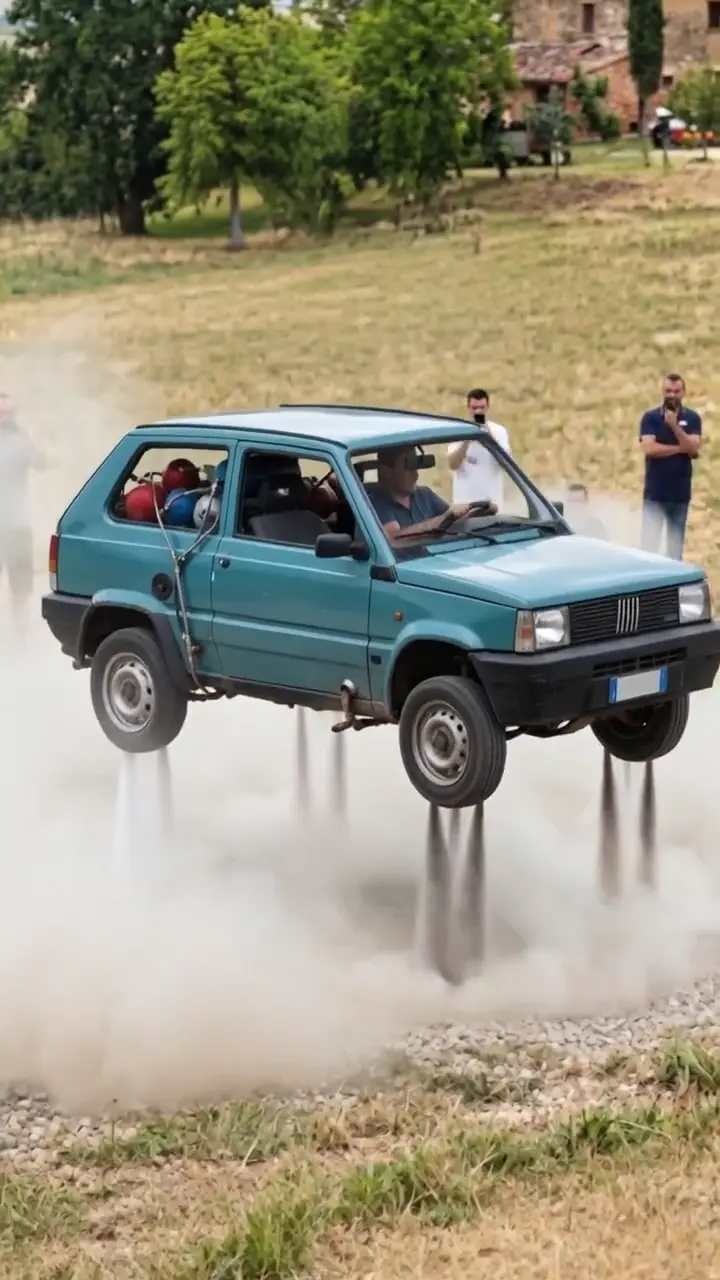
Most AI video trends need one clear photo: you, your car, whoever the joke is about. The clip opens on it and plays the whole bit through to the punchline.
Two people? Bring both faces
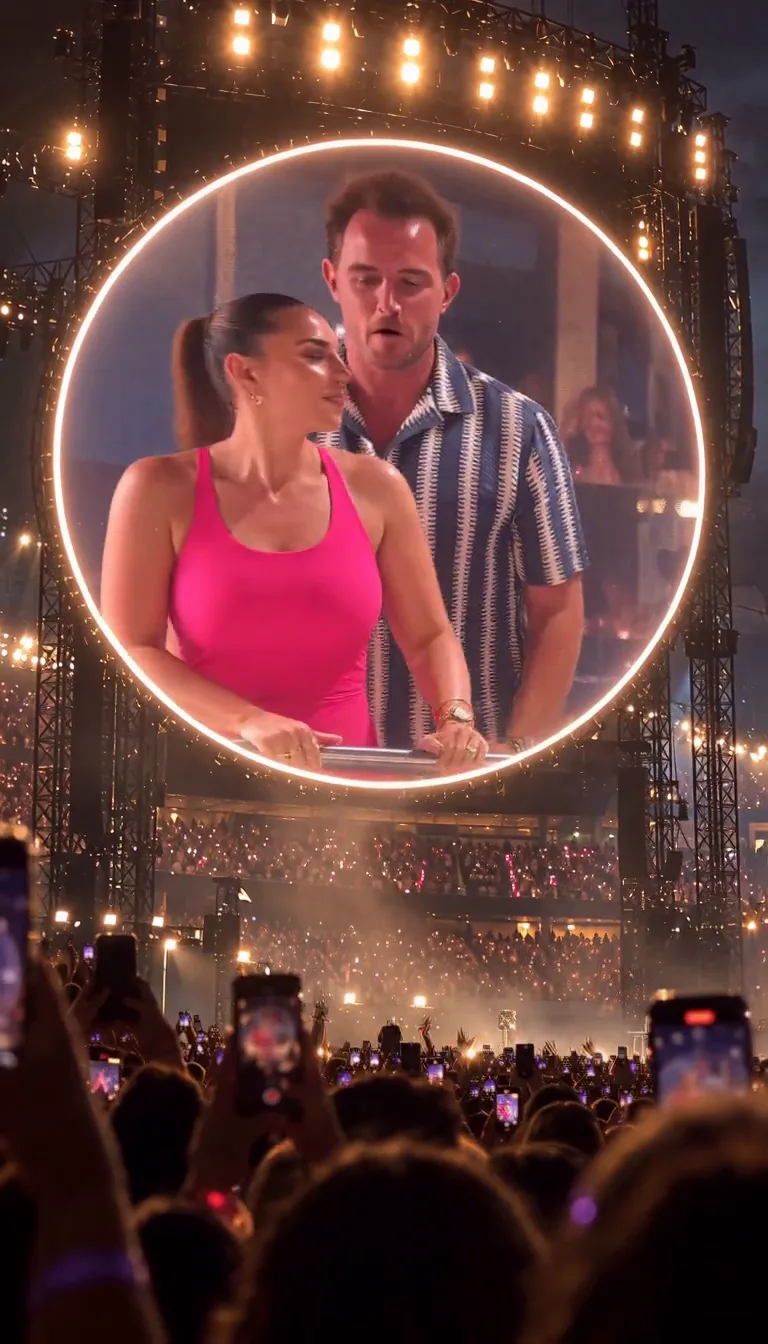
Couple and best-friend AI video trends take one photo of you both, or one photo each, and both faces stay yours from the first second to the last.
Your pet can take the lead
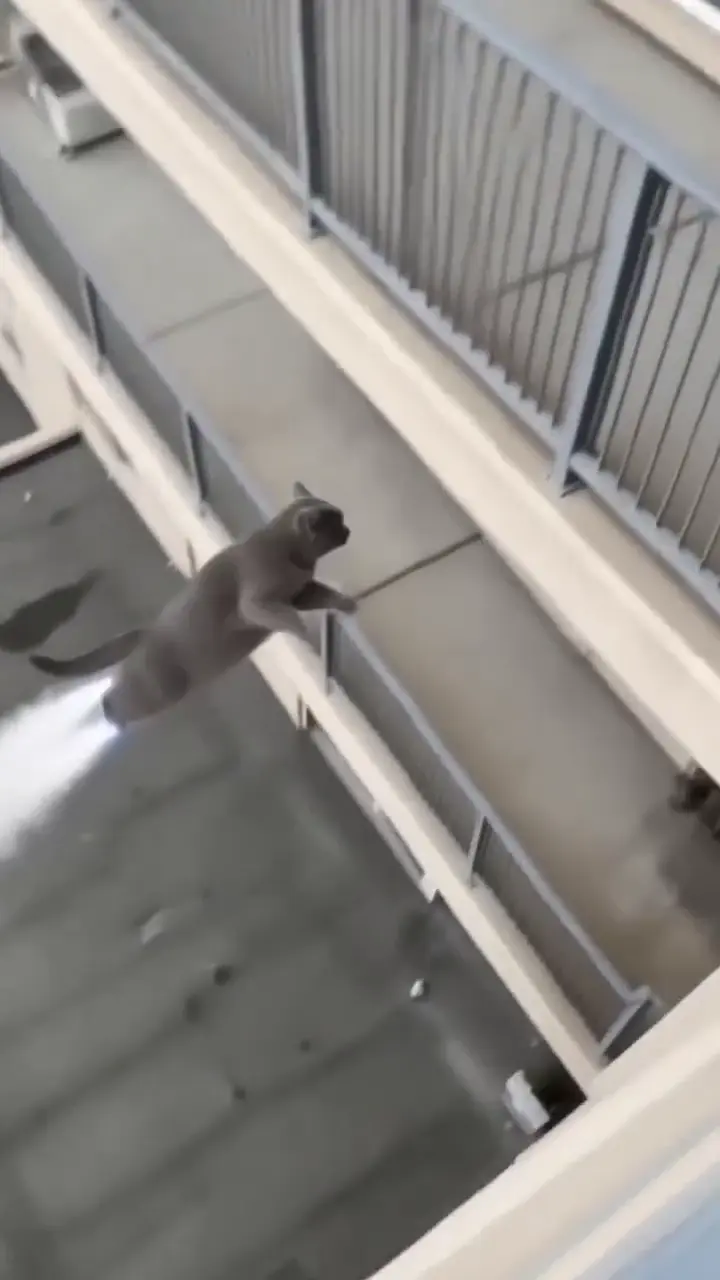
Plenty of these trends run on a dog or a cat as well as a person: the same scene, the same joke, your pet in the middle of it.
How to make an AI video trend with your own photo
- 1
Tap the trend you keep seeing
Each card above is one AI video trend. Tap it to preview the clip, then open its page; the generator sits right at the top.
- 2
Add your photo and pick a take
Upload the photo the trend asks for. Most trend pages have two or three takes already written, so you tap one instead of writing a prompt.
- 3
Generate, then post it
Most trends come back as a vertical 12-second clip with sound, sized for TikTok, Reels and Shorts. Download it and post it while the trend is still in everyone's feed.
Which photo works best for AI video trends
Face toward the camera
A clear, front-on face keeps you recognisable through the whole clip. Sunglasses and deep shadows leave the AI guessing.
Bright, even light
Daylight or a bright room beats a dark bar. The trend brings its own lighting; it only needs to see you first.
Only the people in the trend
For a two-person trend, crop out the third friend. Whoever is in the photo ends up on screen.
The plain original
Stickers, captions and beauty filters on the picture can carry into the clip. Use the untouched shot from your camera roll.
AI video trends without the CapCut template
Most AI video trends start life as a CapCut template, and the template means installing the app, finding the right one among dozens of copies and fitting your photo into somebody else's edit. Here each AI video trend is already set up in your browser: open the trend, add your photo, press generate.
Nothing is cut out of someone else's footage, either. The clip is made fresh around your picture, so the people on screen are the people in your photo, never the creator who started the trend or the celebrity it was about.
AI video trends: your questions
Which AI video trend is trending right now?
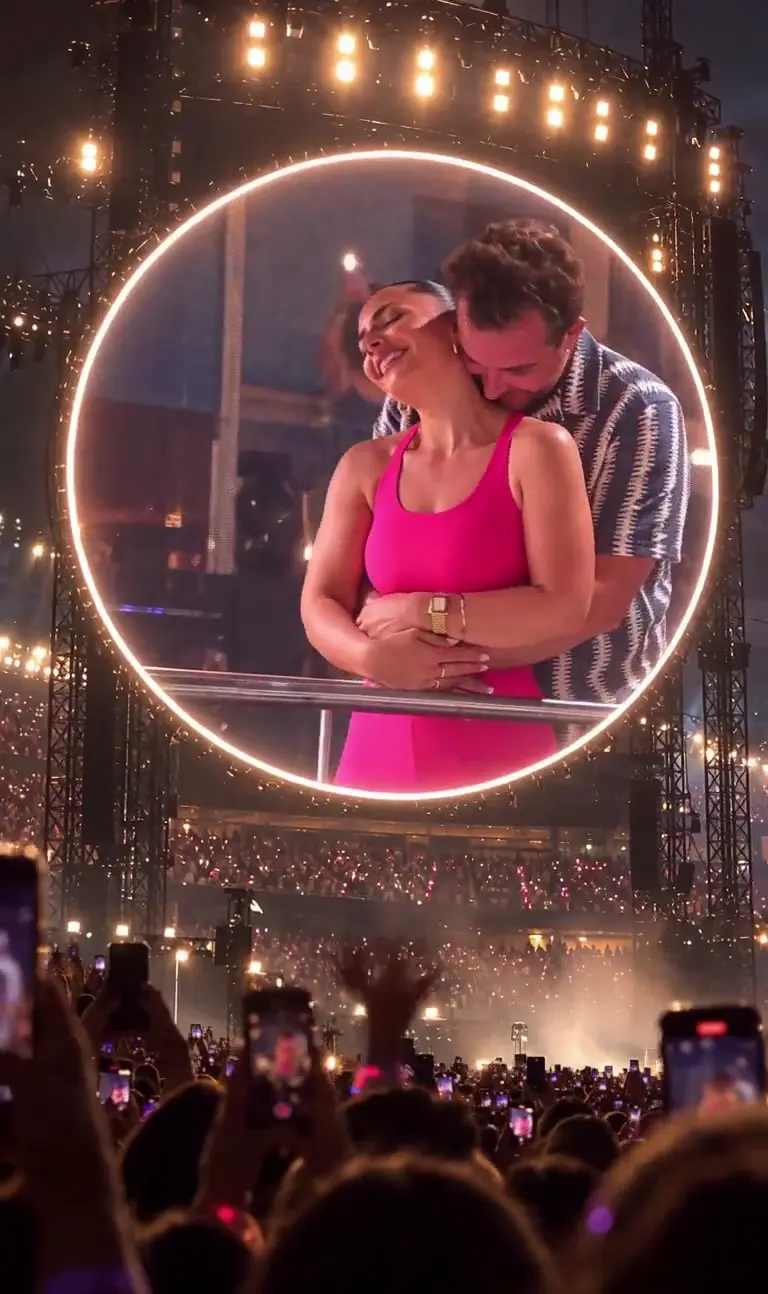
The newest one on this page, and right now that is Coldplay Kiss Cam AI Generator, Tesla Roadster AI Video. Each AI video trend here goes up while it is still climbing on TikTok and Reels, and the list is sorted newest first, so the top card is the one your feed is about to fill up with.
What type of AI videos are trending?
Mostly short vertical clips where an ordinary photo turns into a moment people recognise: a couple caught on a stadium kiss cam, a car lifting off on rocket thrusters. The AI video trends that spread fastest need one photo and land their joke in about ten seconds.
What AI is everyone using on TikTok for these trends?
On TikTok most of these AI video trends run through CapCut's AI templates. On Movoa the same trends open on Seedance 2 Mini, with Seedance 2 Fast, 2.0 and 2.5 in the model menu of each trend page, straight from your browser.
Is there a free AI video trend generator?
Not for the trends on this page. Each trend clip is $9.99, paid once with no subscription, and 3 videos are $19.90 or 5 are $29.90 if you want more than one take. A failed run is refunded and unused videos never expire. To try AI video for free first, photo to video AI has a free lane.
Do I need the CapCut app to do an AI video trend?
No. Every AI video trend on Movoa runs in your phone's or laptop's browser, with no app to install and no template link to find. You upload a photo on the trend page and the clip comes back on that same page.
What size are the AI video trend clips?
Most are 12 seconds, 720p and vertical 9:16, the shape TikTok, Reels and Shorts play full screen, with their own sound. Each trend page shows its length and frame in the settings next to Generate.
Does the clip play the trend's original song?
No. Trend clips come with their own music and sound, not the track the trend is set to, and the trend pages built on a song say so under Generate. Add the trending audio in TikTok or Reels when you post.
Can I use a photo of my partner, a friend or my pet?
Yes. Two-person AI video trends take one photo of you both or one photo each, and many trends work with a dog or a cat. Use photos of people who are happy to be in the clip; nobody's face appears except the ones you upload.
Is it the real people from the original video?
No. Nobody from the clip that started a trend is in yours, and Movoa is not connected to the bands, brands or shows a trend is about. The people on screen are the people in your photo.
How often are new AI video trends added?
New AI video trends go up while they are still spreading on TikTok and Reels, and the newest always sits at the top of this list. When a new clip starts filling your feed, check back here first.