
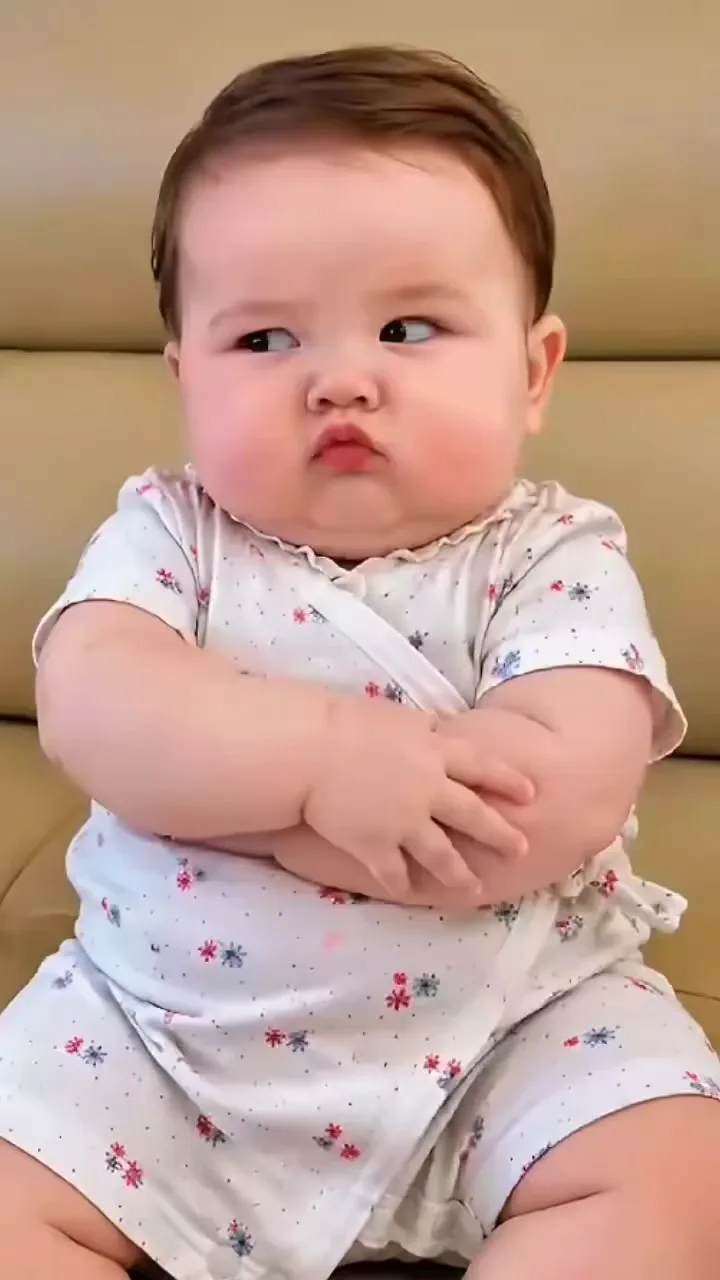
One clear subject
A single person, pet or object reads cleanly. A crowded group shot gives the model ten things to move at once.
Free to try · Sound on every clip · Your photo is the first frame
Photo to video AI free on MiniMax H3: drop in one picture, write how it should move, and get it back as a clip with sound.
Left is the still a creator started from; right is the photo to video result that came out of it. The first frame of the clip is the picture on the left.
Your photo stays the first frame and the model writes the seconds after it, with sound: your dog on the sofa lifts its head toward the door. Free on MiniMax H3 at 480p.
Creative engine
One photo and one sentence go in; a clip with sound comes out, ready to download.
A filter repaints the photo you have. Photo to video AI writes new frames after it, so things move that never moved in the original.
Stitching ten holiday photos to a song is a slideshow editor's job, such as CapCut or Canva. Photo to video here makes one photo come alive.
Nobody's face gets pasted onto anyone else. The person in your photo is the person in the clip.
Four decisions take a photo to video, and the last one is where the clip goes.
One clear subject, decent light, and some space around it for things to move into.
Use verbs and a camera move: the cat stretches, the camera slowly pulls back, rain starts on the window.
MiniMax H3 runs it free at 480p. On a plan, pick Grok Imagine Video 1.5 for 720p with sound.
Send it to the family chat, drop it into a Reel, or put it on the product page it was shot for.
In photo to video, the photo decides more of the clip than the prompt does. These six habits come straight from what the model has to invent after your first frame.
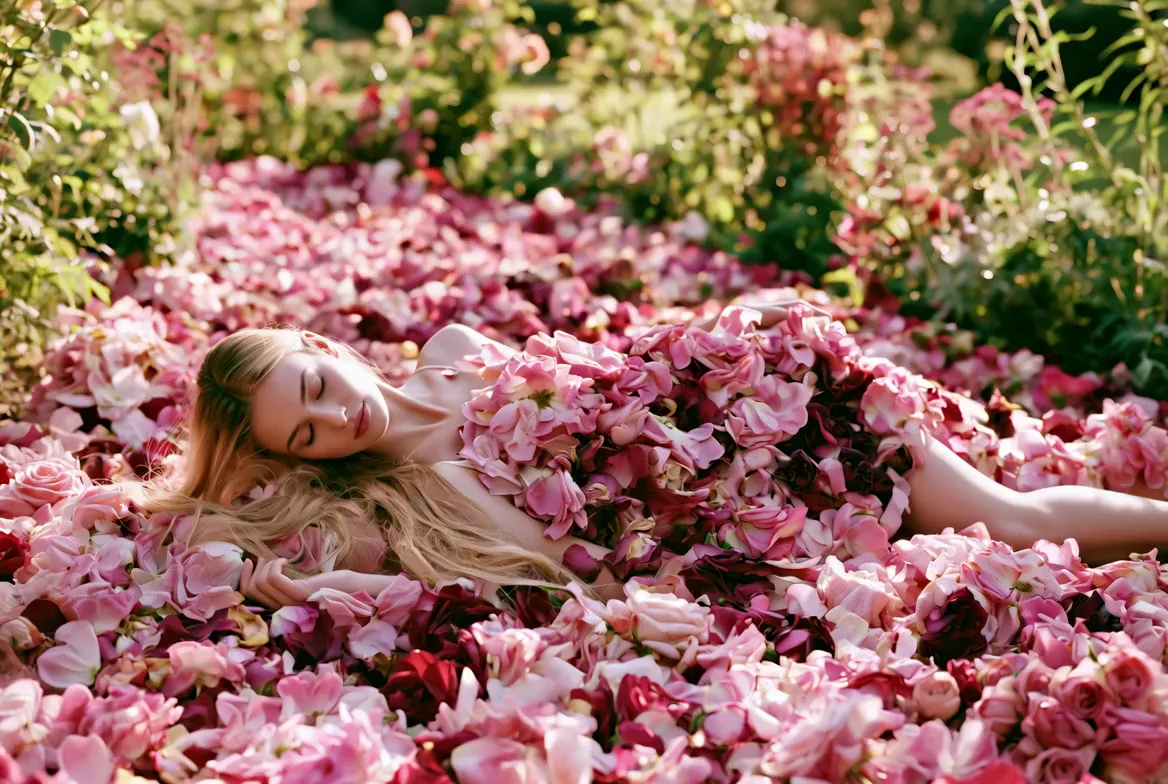
A single person, pet or object reads cleanly. A crowded group shot gives the model ten things to move at once.
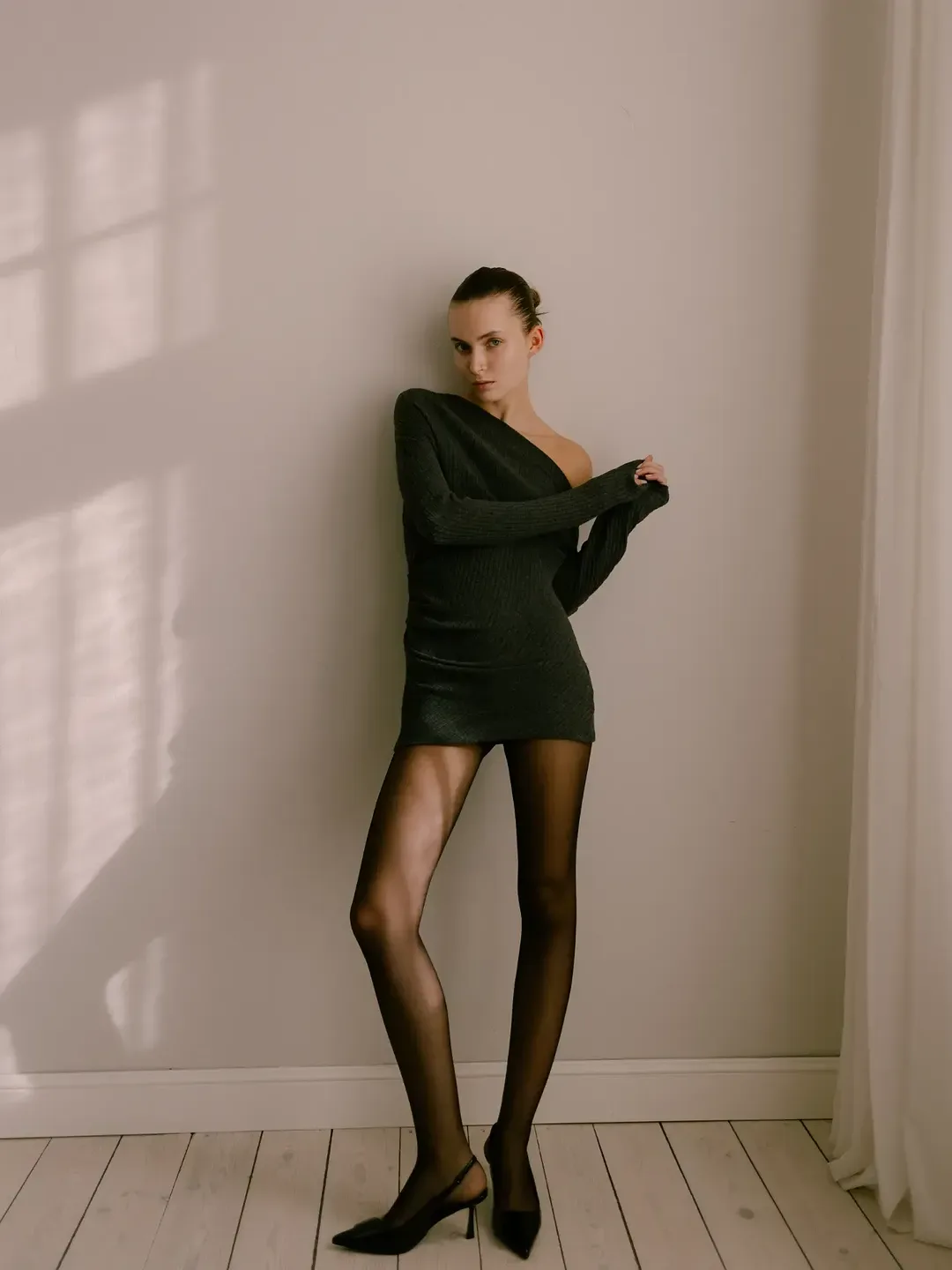
Leave space in the direction of the motion. A face cropped at the chin has nowhere to turn.
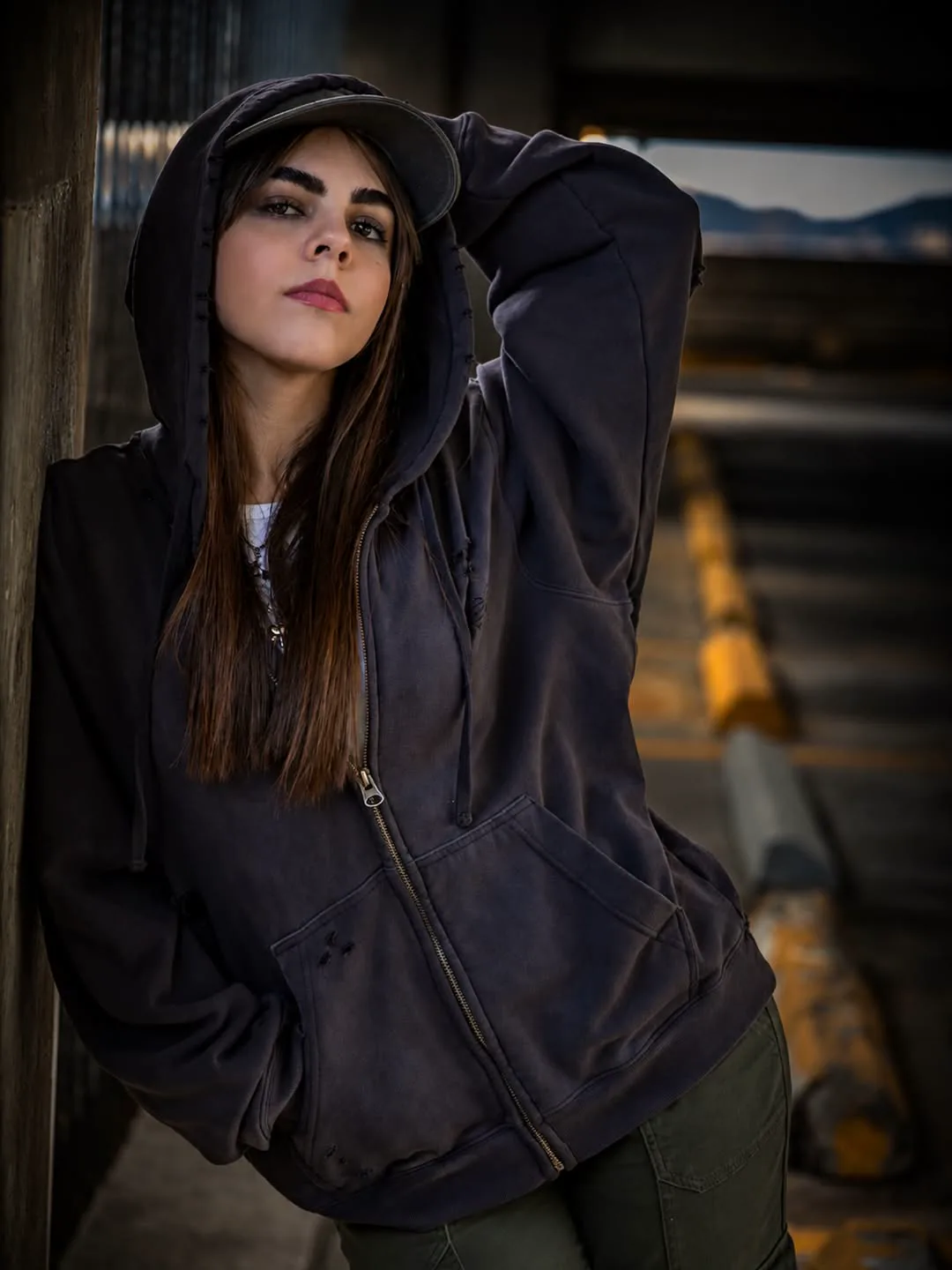
For a clip where someone smiles or speaks, a front-facing photo gives the model the most to work from.
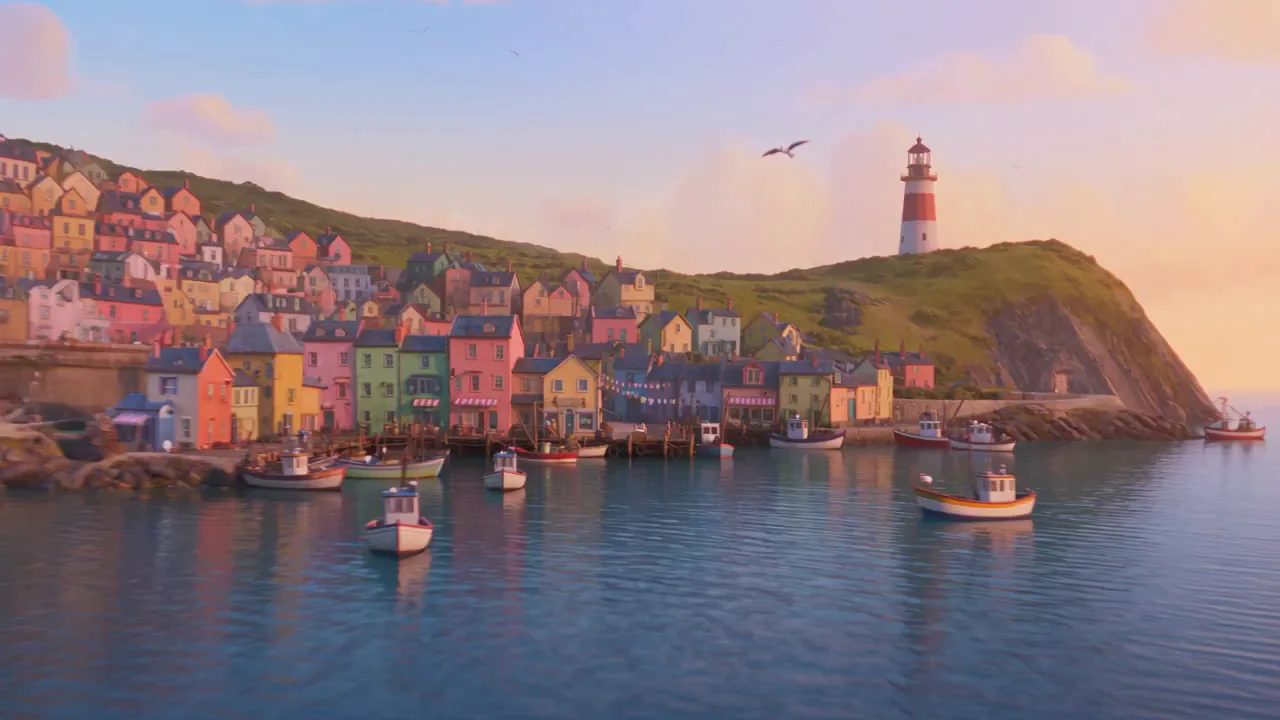
The clip keeps the light of your photo. A sharp daylight shot stays sharp; a dark, grainy one stays dark.
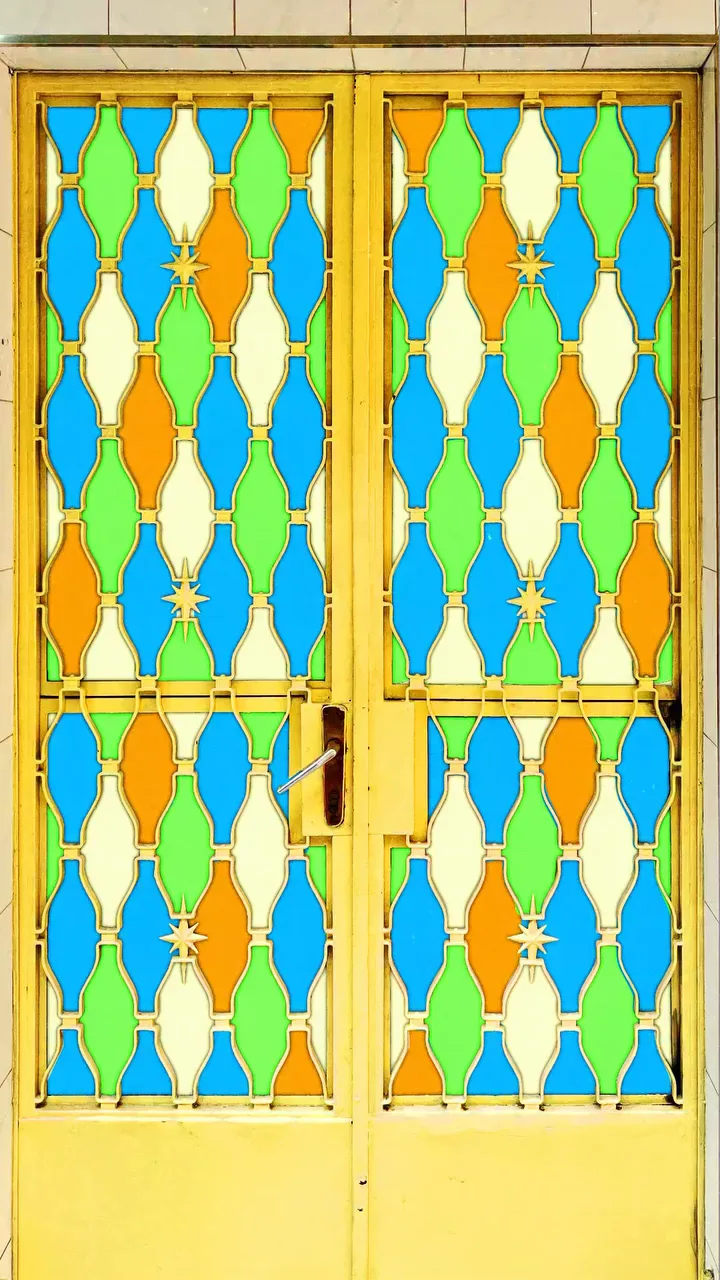
Upright photos make upright clips for Reels and TikTok; wide photos suit YouTube and a website header.
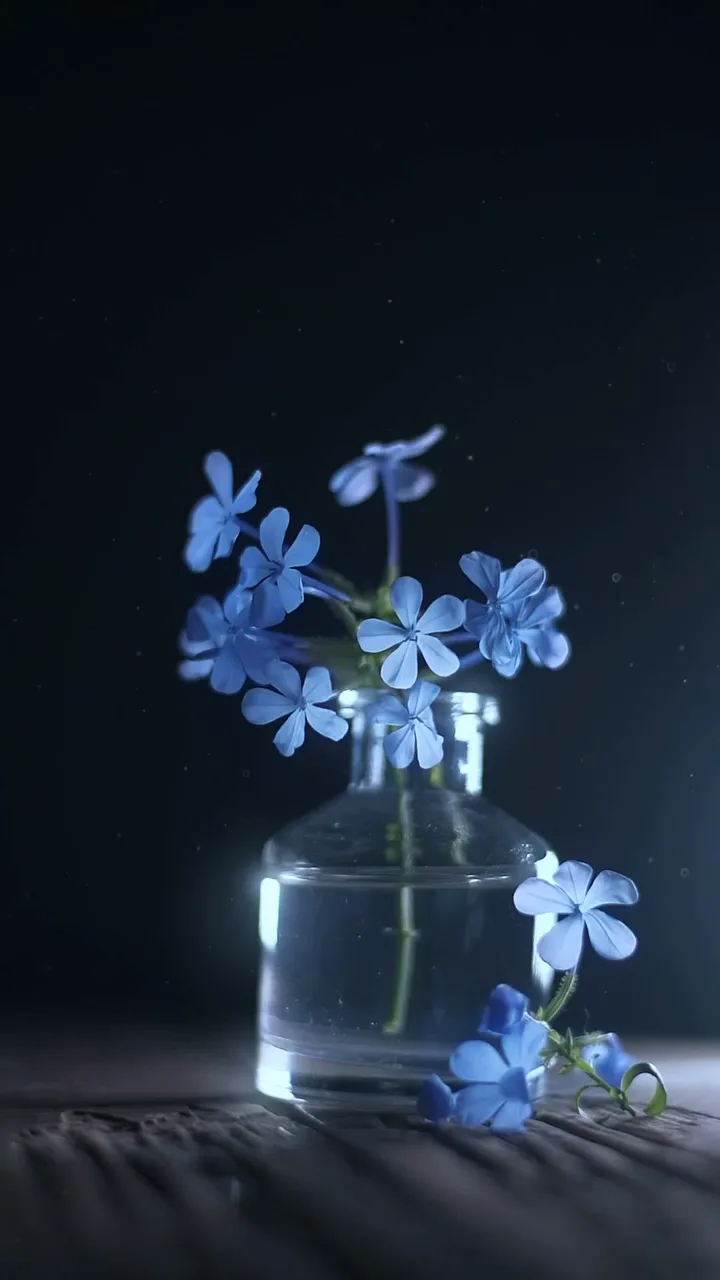
Words printed in the photo can bend as things move, so add titles in your editor once the clip is done.
Three models handle photo to video here, each keeping your picture as the first frame. Start free, and move up when the clip has to look its best.
MiniMax H3 animates your photo at 480p with an audio track: the first clip with no account, the rest on a free account. On any paid plan it runs at 768p with no monthly cap. No photo? The free AI video generator also starts from a sentence.
Animate it freeGrok Imagine Video 1.5 turns a photo into a 720p clip with sound that keeps your picture's shape, every day from Creator at $29. The Grok video generator page shows how to prompt it.
Use Grok on my photoVeo 3.1 Fast animates a wide 16:9 photo into an 8-second clip with native audio, on fast credits from any plan. The Google Veo 3 free page explains what Veo costs. If you make clips every day, the unlimited AI video generator plans remove the monthly cap on H3.
Use Veo on my photoIn photo to video, a portrait only needs a little movement to come alive. The clip opens on the still and changes the expression, nothing more.
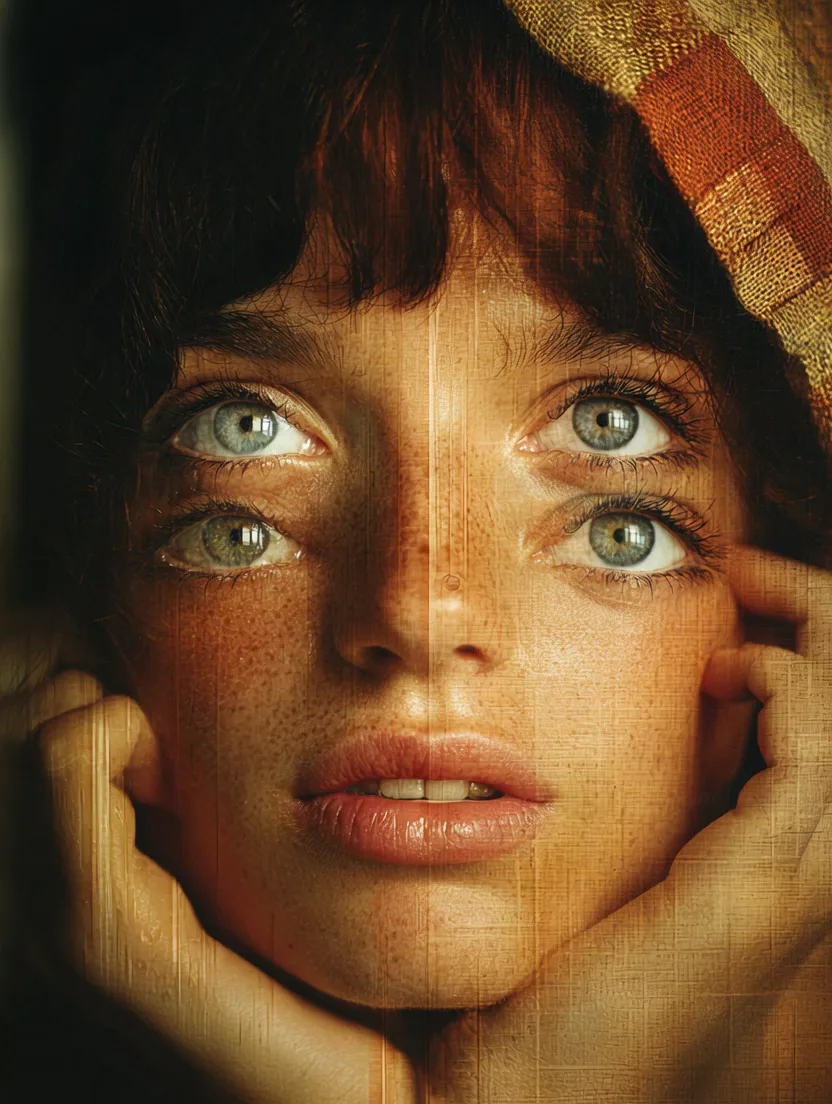
Mostly photo to video for a picture that already means something to someone, sent to the person it means it to. Image to video AI is at its best when the still was worth keeping.
The two of them turn to each other and smile, sent to the family chat before the anniversary dinner.
Ears up, tail going, posted to the group that has been asking for an update all week.
The coffee swirls into the cup, so the shop page shows the product doing its one job.
The storm clouds keep rolling over the city skyline, for the trip recap.
The painted cat walks into the scroll, for an artist's portfolio post.
A studio portrait from around 1900 warms into colour and the family turns to smile, sent to the relatives who never saw them move.
Yes. MiniMax H3 animates your photo free at 480p: your first clip needs no account, and a free account animates 3 photos a day at no cost. Paid plans add 768p H3 with no monthly cap and Grok Imagine Video 1.5 at 720p with sound.
Not on a free lane anywhere that renders on cloud GPUs; Movoa's free lane renders one clip at a time in a shared queue. The no-cap version is paid: MiniMax H3 at 768p from Starter at $14.90 a month.
Yes. Upload the photo, write the motion as a prompt, and run it on MiniMax H3 in your browser. The prompt decides what moves; the photo decides how it looks.
You do not need one for photo to video. The generator runs in the browser on a phone as well as on a laptop, so you can upload straight from your camera roll and download the clip back to it.
MiniMax H3 and Grok Imagine Video 1.5 make up to 15 seconds, and Veo 3.1 Fast makes 8 seconds; the generator lists the lengths each model offers before you press the button.
Yes. Photo to video on MiniMax H3 and Grok Imagine Video 1.5 returns clips with an audio track, so waves, rain and room noise come with the picture.
Yes. Scan or photograph the print as straight and as sharp as you can, then ask for small movements such as a smile, a glance or a turn of the head. Small motions stay closest to the faces in the original.
The clip opens exactly on your photo, so the first frame is them. The further they turn or walk away, the more the model has to invent, so a gentle motion keeps the likeness strongest.
No. A slideshow maker lines up several photos with transitions and music. Photo to video AI takes one photo and generates real motion after it.
Yes on any paid plan, which includes commercial use. Free clips are fine for personal posts and messages.
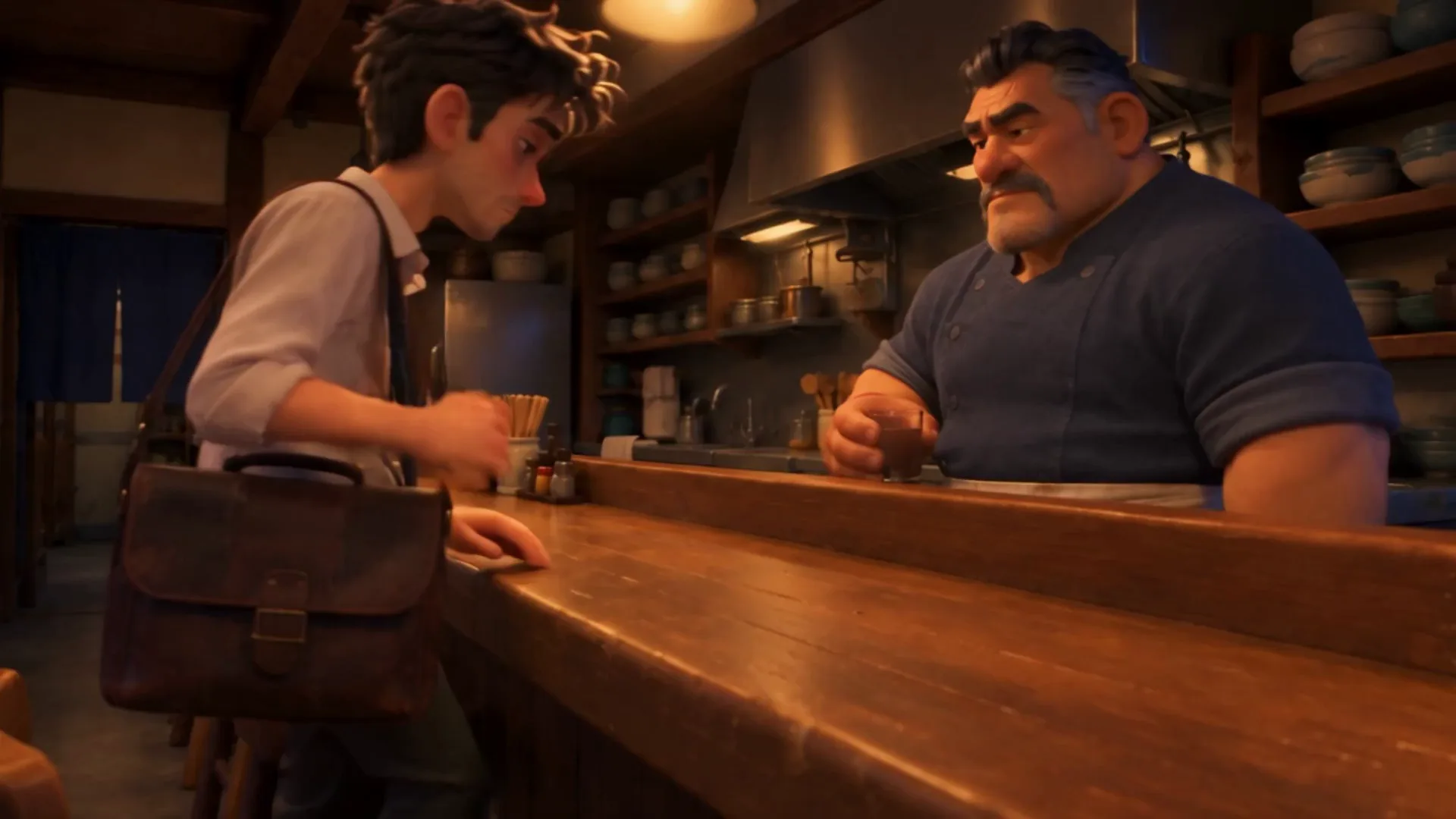
Photo to video works on a busy picture too when the prompt names what moves: the steam, the grill and the two people at the counter.
Unlimited MiniMax H3 on every paid plan, daily Grok with sound from Creator, and fast credits for Veo and Seedance. A failed run is refunded.
Free · A real clip before you pay anything
Nothing to sign, nothing to cancel.
What's included
Everything in Starter, plus
Checkout runs on Stripe. Your card details never reach Movoa.
Everything in Creator, plus
Everything in Pro, plus
Cancel from Settings → Billing whenever you like; your plan keeps running until the end of the period you already paid for. Who runs Movoa, every model on the shelf and how to reach us are on the about page.
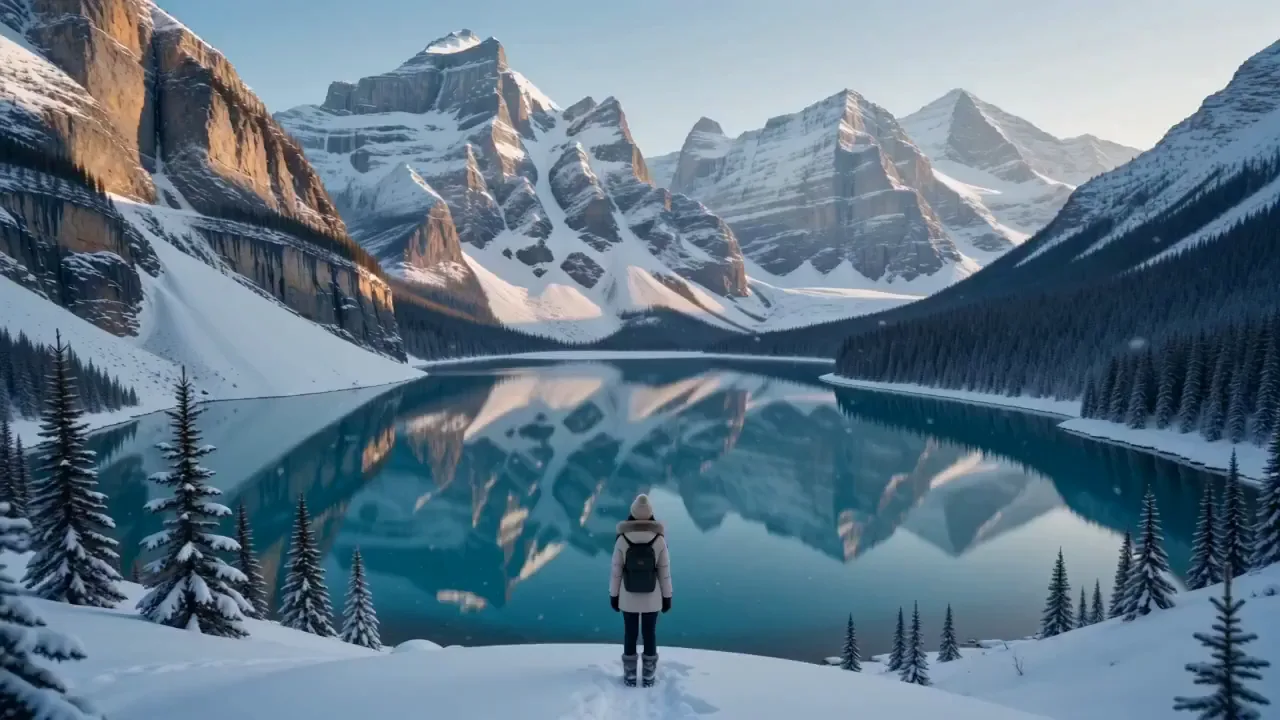
In photo to video, wide scenes come alive through the camera and the light: a slow walk, a reflection, the sun going down.
Pick the picture you would most like to see move, write one line about what happens next, and send the clip to the person in it.