
Black Friday: 2x credits all year on yearly

4-second clips with sound · First one without an account · Nothing stamped on the video · No daily cap when signed in

Free AI Horror Video Generator: Scary Scenes With Their Own Sound

Type the scene that keeps you up at night and the AI horror video generator films it with the creak and the whisper in the clip, ready for the friend who scares easiest. Your first one runs without an account.

The sound comes with itEvery kind of horrorMade for horror shorts
In the dark

AI horror videos to watch with the lights off

Six AI horror shorts by creators on Instagram and TikTok, each with its own sound. Drag the flashlight over the picture, turn the sound on, and find the same six as templates in the AI horror video generator above.

A shaggy forest spirit lifts itself above the birches at dusk while the houses below stay quiet. By @neuro_archives on Instagram.

What makes an AI horror video scary in four seconds

A short horror clip has no time to build a story. It works on one image, one wrong detail and one sound, and those three are exactly what you write into the AI horror video generator.

Creative engine

One scene in, one AI horror clip with sound out

The place, the thing that is wrong and what we hear go in; a scene that moves, breathes and creaks comes out of MiniMax H3 in a single pass.

Sound
In every clip
9:16 or 16:9
Shorts or YouTube
Free
Every 4-second clip

One thing that is wrong

An empty store is just a store. An empty store where the door chime rings and nobody walks in is an AI horror video. Give each AI horror scene a single wrong detail, and let the camera find it slowly. For scenes in any genre, text to video AI runs the same free lane.

Write the sound first

Horror is half sound. Name it in the prompt, in plain words: floorboards creaking above, a music box that should not be playing, a whisper that says "don't come down" in quotes. The AI horror video generator puts it in the clip with the picture, so there is no second app for sound effects.

Darkness and one light

A flashlight beam, a single bare bulb, red lanterns, fluorescent hum. Say where the light comes from and how little there is of it; the AI horror scene stays dark where you want it dark and shows only what the light lands on.

From a creepypasta to a short

How to make an AI horror story video, scene by scene

Faceless horror channels post stories, not single shots. A two-minute AI horror story is a row of short scenes, written one at a time and cut together in order.

1
Scene 1 · the place

Open on the place, and nobody in it

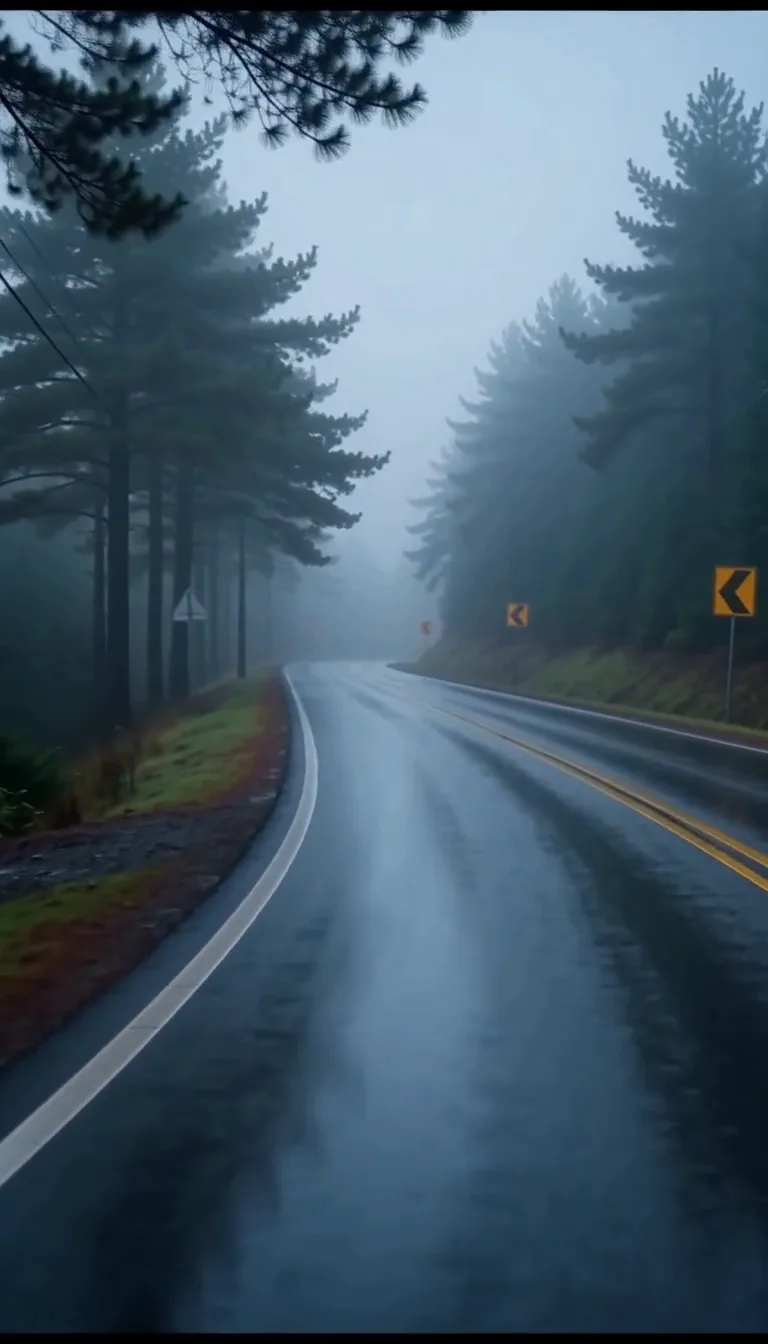
Start the AI horror story where it happens: the river at 2 AM, the shrine under the water. No monster yet. A slow camera and a quiet sound set the dread, and the AI horror video generator keeps the light and the mood you name.
2
Scene 2 · the sign

Show the first wrong thing

Something is standing where it should not be, or a sound comes from an empty room. Write that one beat as its own prompt and describe the place in the same words as scene 1, so the AI horror story stays in one location.

3
Scene 3 · the turn

End on the moment, then cut it together

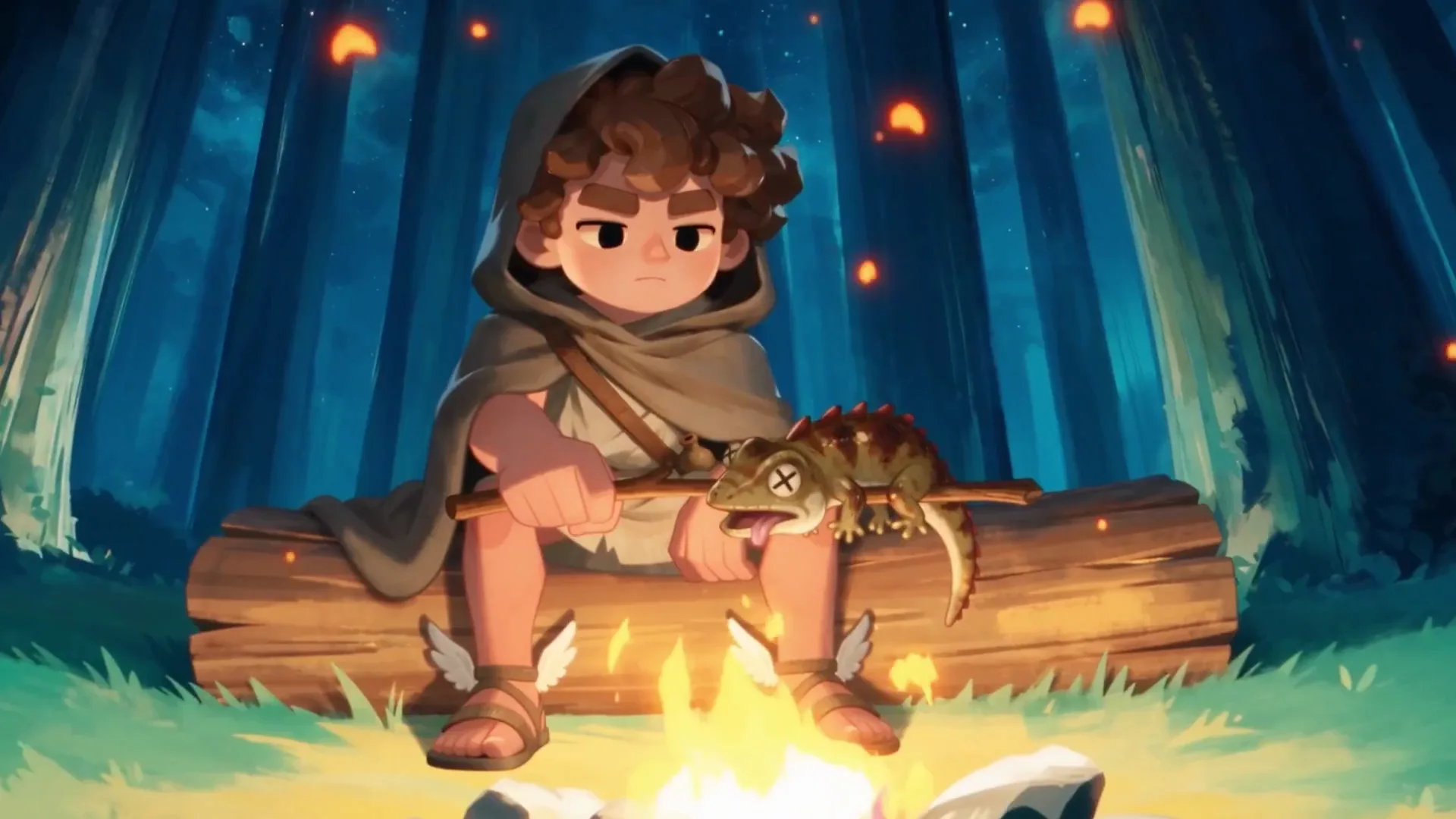
The figures turn, the lights go out, the door closes by itself. Make each AI horror scene, make any of them again for free, then lay the MP4s end to end in any video editor and record your narration over them, or write the whispered lines in quotes and let H3 say them.

Styles

Horror styles the AI horror video generator does well

Each kind of horror has its own camera, light and sound. Start your prompt with the style and the rest of the AI horror scene follows it.

Liminal spaces and the backrooms

Empty pools, yellow wallpaper, a mall after closing. Ask for a slow, steady camera at eye level, flat even light and one constant hum, and leave every person out of frame; the emptiness is the AI horror. The random prompt in the generator includes a backrooms scene to start from.

Vintage film, VHS and found footage

Write "grainy 1990s VHS camcorder footage, handheld" or "found-footage night vision" first, then add tape hiss or a breathing cameraman. Add "no timestamp, no on-screen text" so the AI horror clip stays clean for your own captions.

Folk horror, creatures and gothic halls

Forest spirits, river ghosts, candle-lit castles with a pendulum clock. Describe the creature by its shape and how it moves, not by a film name, and keep it far from the camera: in AI horror, the thing you only half see stays frightening longest.

Free and paid

What each lane of the AI horror video generator gives you

One generator, three ways in. On a signed-in free account, Movoa is the best free AI horror video generator: 4-second scenes with their own sound, no daily cap, nothing stamped on the video.

No accountFree accountPaid plan
Resolution480p480p768p
Scene length4 seconds4 secondsUp to 15 seconds
Sound, whispers and effectsIn every clipIn every clipIn every clip
How many scenesJust the first oneNo daily capNo monthly cap
WatermarkNothing stampedNothing stampedNothing stamped
SpeedWaits its turnFirst one of the day starts at onceFull speed every day, then a relaxed pace
Monetized channel and client workPersonal use onlyPersonal use onlyIncluded

Unlimited AI video generator pricing

Unlimited MiniMax H3 on every paid plan, plus fast credits each month for Veo 3.1, Seedance and Grok. A failed run is refunded.

Black Friday: yearly plans get double fast credits every month for their first year; monthly plans, the first month. BLACKFRIDAY is applied at checkout until Nov 29.

See the deal →
Pay with

Free · A real clip before you pay anything

Nothing to sign, nothing to cancel.

Make my first clip free
Unlimited H3

Starter

For people who make a few AI video clips most days.
Tax included
$14.90 / month
Unlimited MiniMax H3Veo, Seedance and Grok are counted, not unlimited: about 14 Veo 3.1 (8s) · 2 Seedance 2.0 Fast (10s) · 9 Grok (15s) a month.100 fast credits / month

1×

full-speed H3 a day

1

clip rendering at once

Queue up to 5 clips — they render while you're away

Heaviest days
Never blocked
MiniMax H3

What's included

  • Unlimited MiniMax H3 at 480p or 768p
  • About 14 Veo 3.1 Fast clips a month: 8s 720p with sound
  • 100 fast credits a month for Veo, Seedance and Grok
Popular

Creator

For creators posting every week.
Tax included
$29 / month
Unlimited MiniMax H3Veo, Seedance and Grok are counted, not unlimited: about 28 Veo 3.1 (8s) · 5 Seedance 2.0 Fast (10s) · 18 Grok (15s) a month.200 fast credits / month

2×

full-speed H3 a day, vs Starter

2

clips rendering at once

Queue up to 20 clips — they render while you're away

Heaviest days
Never blocked
MiniMax H3

Everything in Starter, plus

  • About 28 Veo 3.1 Fast clips a month: 8s 720p with sound
  • Twice Starter's full-speed H3 every day
  • Two clips rendering at once

Checkout runs on Stripe. Your card details never reach Movoa.

Pro

For weekly uploads that mix models.
Tax included
$59 / month
Unlimited MiniMax H3Veo, Seedance and Grok are counted, not unlimited: about 71 Veo 3.1 (8s) · 14 Seedance 2.0 Fast (10s) · 45 Grok (15s) a month.500 fast credits / month

5×

full-speed H3 a day, vs Starter

3

clips rendering at once

Queue up to 50 clips — they render while you're away

Heaviest days
Never blocked
MiniMax H3

Everything in Creator, plus

  • About 71 Veo 3.1 Fast clips a month: 8s 720p with sound
  • 5× Starter's full-speed H3 every day
  • Three clips rendering at once
Best value

Studio

For a channel that posts every day.
Tax included
$119 / month
Unlimited MiniMax H3Veo, Seedance and Grok are counted, not unlimited: about 142 Veo 3.1 (8s) · 29 Seedance 2.0 Fast (10s) · 90 Grok (15s) a month.1,000 fast credits / month

10×

full-speed H3 a day, vs Starter

5

clips rendering at once

Queue up to 100 clips — they render while you're away

Heaviest days
Never blocked
MiniMax H3

Everything in Pro, plus

  • About 142 Veo 3.1 Fast clips a month: 8s 720p with sound
  • 10× Starter's full-speed H3 every day
  • Five clips rendering at once

Cancel from Settings → Billing whenever you like; your plan keeps running until the end of the period you already paid for. Who runs Movoa, every model on the shelf and how to reach us are on the about page.

Answers

AI horror video generator: questions

Yes. The Movoa AI horror video generator makes 4-second 480p horror scenes with sound on MiniMax H3 at no cost. Your very first scene runs without an account; after that, a free account keeps going with no daily cap.

Yes. Write what we hear, like creaking stairs, a whisper, a music box or a low drone, and MiniMax H3 makes the sound in the same pass as the picture. Every AI horror clip downloads with its audio, so you do not hunt for sound effects afterwards.

The AI horror video generator makes one scene per clip: 4 seconds free, up to 15 seconds on a paid plan. Write the story as a list of scenes, make each one and join them in any editor. With no daily cap on a free account, a long AI horror story is simply more scenes; the long form AI video generator lines them up for you, and the AI movie trailer generator cuts the teaser.

Yes. Put "grainy 1990s VHS camcorder footage, handheld" or "found-footage night vision" at the start of the AI horror prompt and add tape hiss or breathing to the sound. Ask for no timestamp and no on-screen text, then add your own captions or tape labels in the edit.

It makes atmosphere, dread, ghosts, creatures and jump moments. It refuses graphic gore, real violence, self-harm and sexual content, and it does not put real people or famous film monsters into a scene. Original creatures you describe yourself work best and stay yours.

Yes, with a paid plan: commercial use, including monetized faceless horror channels, ads and client work, comes with it. On the free lanes the AI horror clips are for personal posts and trying ideas out.

Describe your AI horror monster in the same words every time: its height, its shape, how it moves and one detail that stands out, like antlers or a cracked porcelain face. For the closest match, start each scene from one picture of the creature in image to video AI, free and unlimited.

Yes. Upload a photo of an empty room, hallway or street as the first frame and describe what happens next: the lights go out, a door opens, a shape crosses the window. Keep people out of the photo; places make the best AI horror scenes.

Yes. The generator opens on 9:16 for Shorts, TikTok and Reels; switch to 16:9 for YouTube. Every AI horror scene downloads as an MP4 with its sound.

No. Nothing is stamped on any clip, free or paid, so each AI horror scene goes straight into your edit.

Movoa is the best AI horror video generator when the sound matters: MiniMax H3 makes the picture and the audio together, free on a signed-in account with no daily cap, with nothing stamped on the clip. For full voiced stories with a narrator, see the AI story video generator; for a clip built around speech and music, AI video with audio.

Film your first scene with the AI horror video generator

One scene, one press of Generate, and your first AI horror clip runs without an account, filmed in the dark with its own sound. Turn the volume up and send it to someone who scares easily.