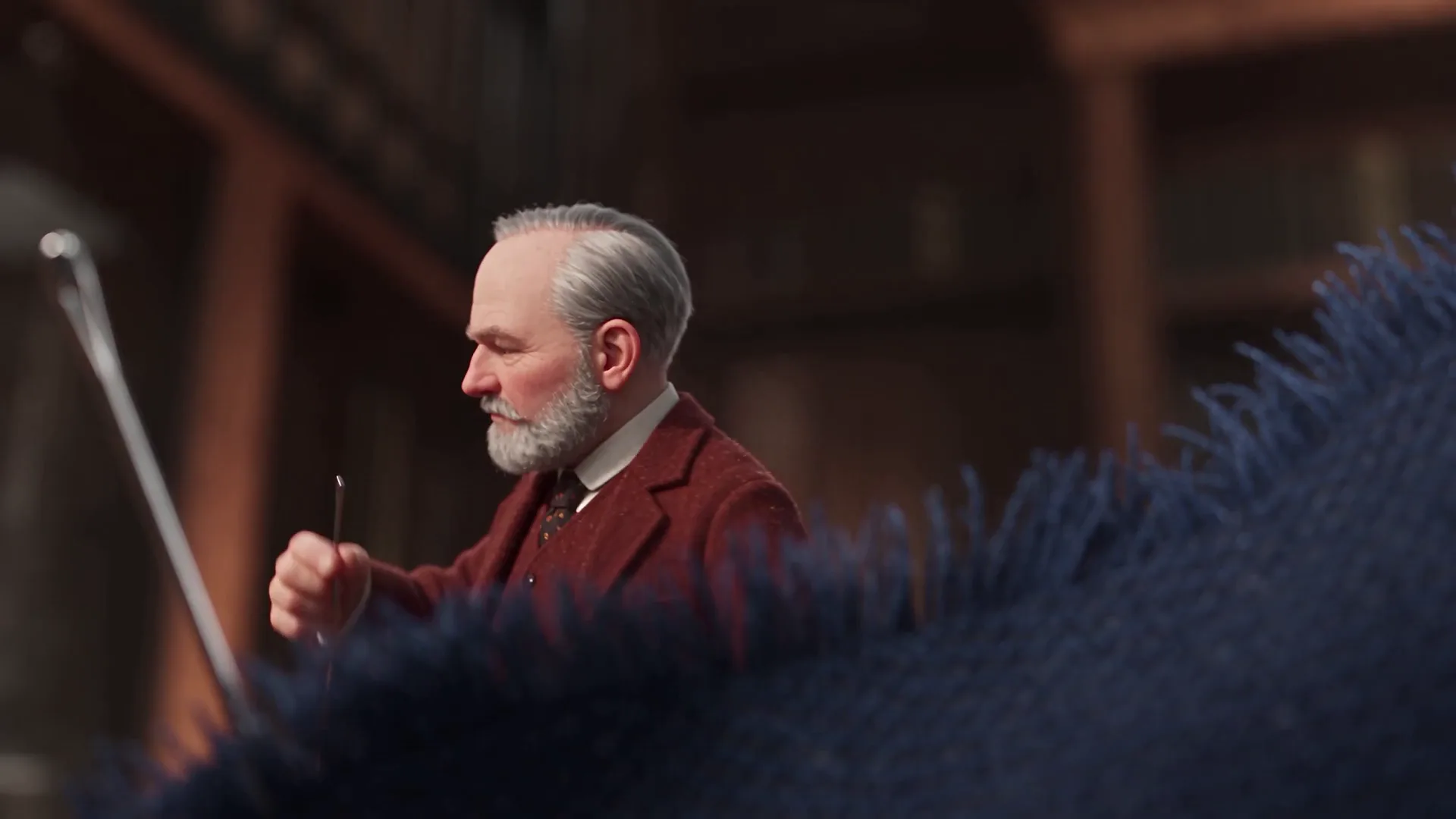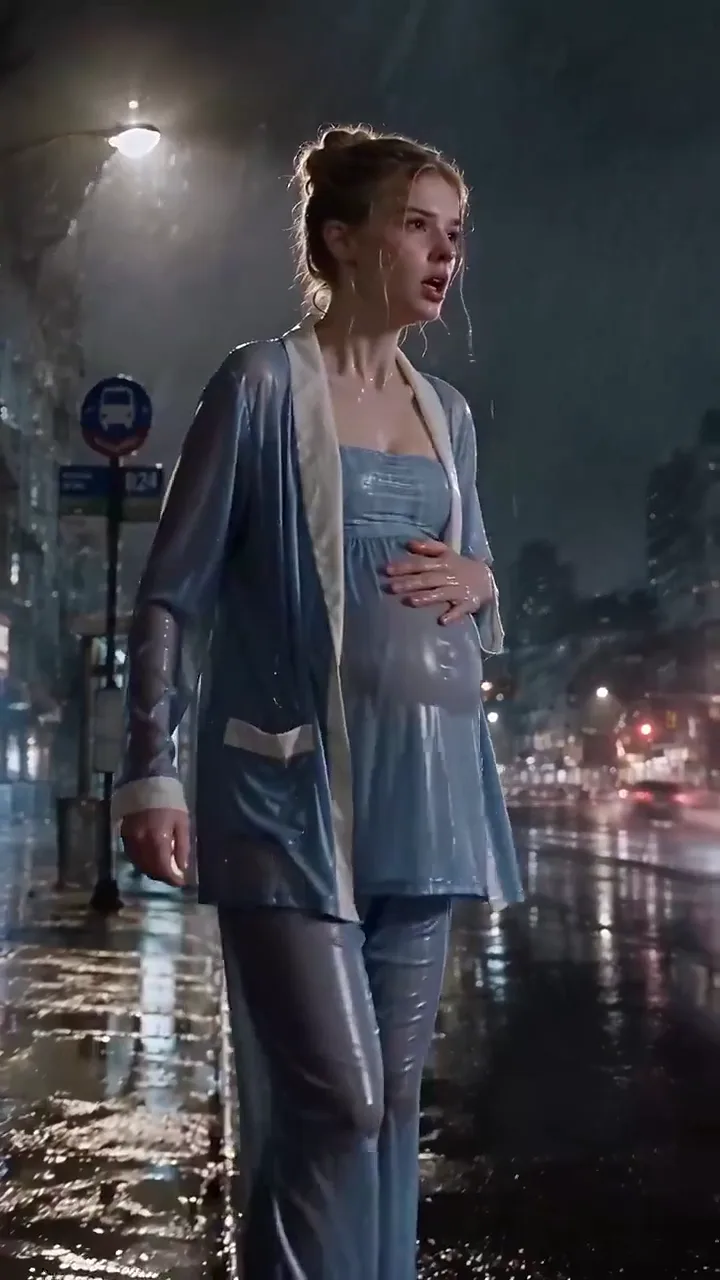
1 · Mark the scenes
Go through the script and draw a line wherever the camera would cut. Each piece between two lines is one prompt and one clip; a two-page scene is usually four to eight of them.
Lines spoken in every clip · 16:9 or 9:16 MP4 · First scene without an account · Signed in, no daily cap · Nothing stamped on the video
The script you wrote, filmed one scene at a time: your characters say the lines you gave them, the same faces in every scene, and you finally watch your story play.
These script to video AI examples each started as a scene written out like a script: the place, the cast, the beats in order and the lines in quotes, posted with the clip by the creator who made it. Pick one as your template, swap in your own characters and lines, and the script to video AI above films it.
You paste one scene of your script: where it happens, who is in it, what they do and what they say. Script to video AI films that scene as an MP4 with the dialogue spoken and the sound mixed in, free at 4 seconds on MiniMax H3, then you paste the next one. A free account has no daily cap; a plan makes scenes up to 15 seconds and sharper and lines up the whole script while you are away.
Creative engine
Free scenes run 4 seconds, about one line of dialogue each. On a plan a MiniMax H3 scene runs up to 15 seconds, room for a short exchange, and Seedance 2.5 holds one take for up to 30 seconds.
Stock-footage tools hunt for a clip that roughly fits the sentence, and Reddit threads about them all end with the same complaint: a disjointed mess. Here the scene is made from what you wrote, so the diner is your diner.
The usual stack is script, then visuals, then a voice tool, then an editor to line them up. Script to video AI puts the spoken line and the sound into the clip itself, so a finished scene already plays.
Every scene is its own clip. Rewrite a line, film that scene again, and every other scene of the script stays exactly as it was.
A screenplay already holds everything a scene needs. Move each part into the prompt the way below and the clip comes back the way you wrote it.
INT. DINER, NIGHT becomes a plain sentence at the start of the prompt: a near-empty roadside diner at night, neon outside, rain on the glass. The place and the light hold the whole scene together.
Write each character once as looks plus voice, like a waitress in her fifties with a grey ponytail and a dry, husky voice. Paste a cast list under Characters: and each one is offered as a saved character you add with one tap.
Keep one action per scene: she refills his coffee, he slides a map across the counter. Two or three beats belong in two or three scenes, each starting where the last one ended.
Eli says "I need you to forget you saw me." A free 4-second scene fits about eight spoken words; a 15-second scene on a plan fits a short back and forth.
(whispering), (furious), (trying not to laugh) go straight into the prompt next to the line, and the voice and the face follow them.
A narrator's line is written as a calm narrator says "...", and the cues your script marks, like THUNDER or a phone buzzing, are named at the end so they land in the clip's own sound.
Four steps take a written script from the page to clips you can post. Nothing to install, and the first scene runs before you make an account.
Go through the script and draw a line wherever the camera would cut. Each piece between two lines is one prompt and one clip; a two-page scene is usually four to eight of them.
Sign in for free and paste the cast list that heads your script. Save each character it offers, and from then on one tap puts the same person, outfit and voice into any scene.
Paste the first scene, written the way the section above shows, keep the line to about eight words on a free scene so it finishes before the cut, pick 16:9 for YouTube or 9:16 for Shorts, TikTok and Reels, and press Generate. When it lands, Continue from this clip starts the next scene on its last frame.
Download each scene as an MP4 with its voices and sound and lay them end to end in CapCut, DaVinci Resolve or Premiere. Add your captions and music there and the video is ready to post.
Anything written as scenes with people in them: a short film, a vertical drama, a sketch, a story for kids, a scene for a pitch. The script to video AI films each one the same way, one scene per clip.
Timed beats like 0–4 seconds, 4–7 seconds read straight into a scene: the slap, the coffee, the bin lid and the one line she says. On a plan, Seedance 2.5 plays a whole page like this in one 30-second take.
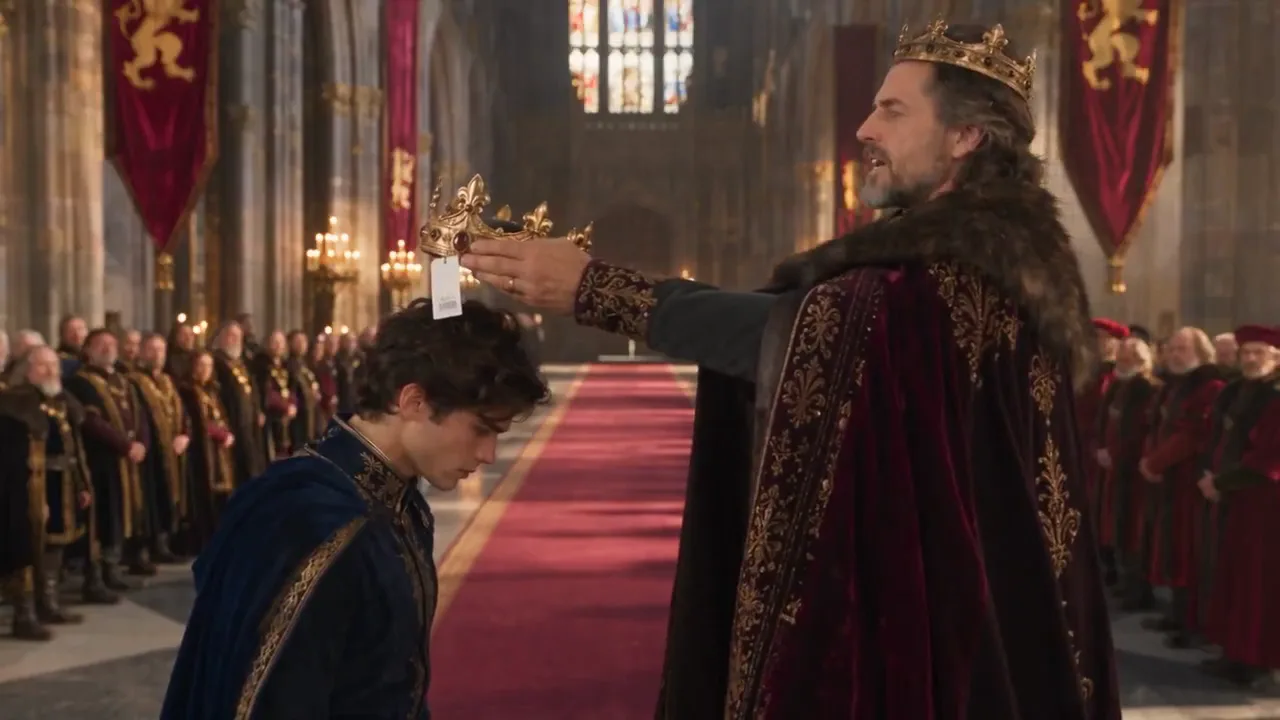
A setup line, an interruption, a payoff line: the king's "Today, you become king", a stranger who fixes the crown, and "Much better." Writing a run of two-person bits? The AI comedy skit generator is set up for exactly that.
The scene that sells your idea to a producer or a client: one location, one twist, clean action. Script to video AI films it so the pitch is something they watch, and a plan covers client work.
Episode scripts built on a slap, a reveal and a cliffhanger, filmed in 9:16 for TikTok and Reels. The AI drama generator lays out each episode beat by beat.
A narrator, two little animal friends, one gentle line each. Pick soft 3D animation and the AI kids story video generator takes it from there.
One paragraph of narration per scene, read by a calm or a hushed narrator over the picture it describes, for history, mystery and true-story channels.
One generator, three ways in. A signed-in free account films every scene of your script with the lines spoken, no daily cap and nothing stamped on it; a plan makes the scenes longer and sharper and lines up the whole script for you.
The same cast and the same free lane, each set up for one kind of script.
Unlimited MiniMax H3 on every paid plan, plus fast credits each month for Veo 3.1, Seedance and Grok. A failed run is refunded.
Free · A real clip before you pay anything
Nothing to sign, nothing to cancel.
1×
full-speed H3 a day
1
clip rendering at once
Queue up to 5 clips — they render while you're away
What's included
2×
full-speed H3 a day, vs Starter
2
clips rendering at once
Queue up to 20 clips — they render while you're away
Everything in Starter, plus
Checkout runs on Stripe. Your card details never reach Movoa.
5×
full-speed H3 a day, vs Starter
3
clips rendering at once
Queue up to 50 clips — they render while you're away
Everything in Creator, plus
10×
full-speed H3 a day, vs Starter
5
clips rendering at once
Queue up to 100 clips — they render while you're away
Everything in Pro, plus
Cancel from Settings → Billing whenever you like; your plan keeps running until the end of the period you already paid for. Who runs Movoa, every model on the shelf and how to reach us are on the about page.
Yes. Script to video AI on Movoa films your script one scene at a time: paste a scene, and it comes back as an MP4 with the characters acting it out and saying their lines, the sound in the same clip. Do that for each scene and cut the clips together, and the whole script is on screen.
Yes. It films 4-second 480p scenes with spoken dialogue and sound on MiniMax H3 for free. Your first scene runs without an account; after that a free account keeps going with no daily cap, so a whole script costs nothing but presses of Generate.
Paste it one scene at a time. Each Generate films one scene, which is what lets the lines land and lets you redo one scene without touching the rest. On a plan you can press Generate on every scene in a row and close the tab: they line up and finish on their own, 5 to 100 at a time depending on the plan.
Sign in for free, save your characters from the script's cast list, then paste each scene with where it is, who is in it, what happens and the line in quotes. Generate scene one, use Continue from this clip for scene two, and join the MP4s in CapCut or DaVinci Resolve.
Yes. A line in quotes with the name of who says it is spoken in the clip, in a voice that matches how you describe them, with their mouth moving to it. A free 4-second scene fits about eight spoken words, a 15-second scene on a plan a short exchange between two people.
Yes. Save each character once with a picture and a description of how they look and sound, or paste your cast list under Characters: and save what it offers. One tap adds them to every scene, and starting a scene from the last frame keeps the room and the light in place.
No. Every scene is generated from what your script says happens, so the room, the people and the action are the ones you wrote rather than the nearest library clip. That is also why the lines can be spoken by the characters on screen instead of laid over the top.
Yes. Write each paragraph of the narration as one scene: what we see, and a narrator who says the line in quotes, calm, warm or hushed. Each clip comes back with the narration spoken over the picture, ready to line up for YouTube, Shorts or TikTok.
Yes. Pick 9:16 before you press Generate and every scene comes back upright for TikTok, Reels and Shorts; pick 16:9 for YouTube. A free account films both with no daily cap.
Yes. Name the look at the start of each scene, like soft 3D animation, flat 2D cartoon or anime, and keep it the same in every scene. The characters still speak their lines and the sound is still in the clip.
The clip carries the spoken lines and the sound of the scene; captions and a music bed go on in your editor, where you can time them to the cut. End each scene with no captions, no on-screen text, and your own captions sit cleanly on top.
No. Nothing is stamped on any scene, free or paid, so the video you cut from them posts to YouTube, TikTok or Reels as it is.
Yes, on a paid plan: commercial use is included, from monetized YouTube and TikTok channels to ads and client work, and every plan is on the pricing page. Scenes made on the free lanes are for your own personal posts.
Movoa's script to video AI is the best one: every scene is generated from your script instead of pieced together from stock, the characters speak your dialogue in the same clip, your cast list becomes saved characters, nothing is stamped on the video, a free account has no daily cap and a plan lines up the whole script while you are away. It is the fastest way from a written script to scenes you can post.
Paste the first scene and press Generate: it runs without an account, the lines spoken and nothing stamped on it. Scene two picks up where scene one ends, and the rest of your script follows.
Free · 480p · with sound