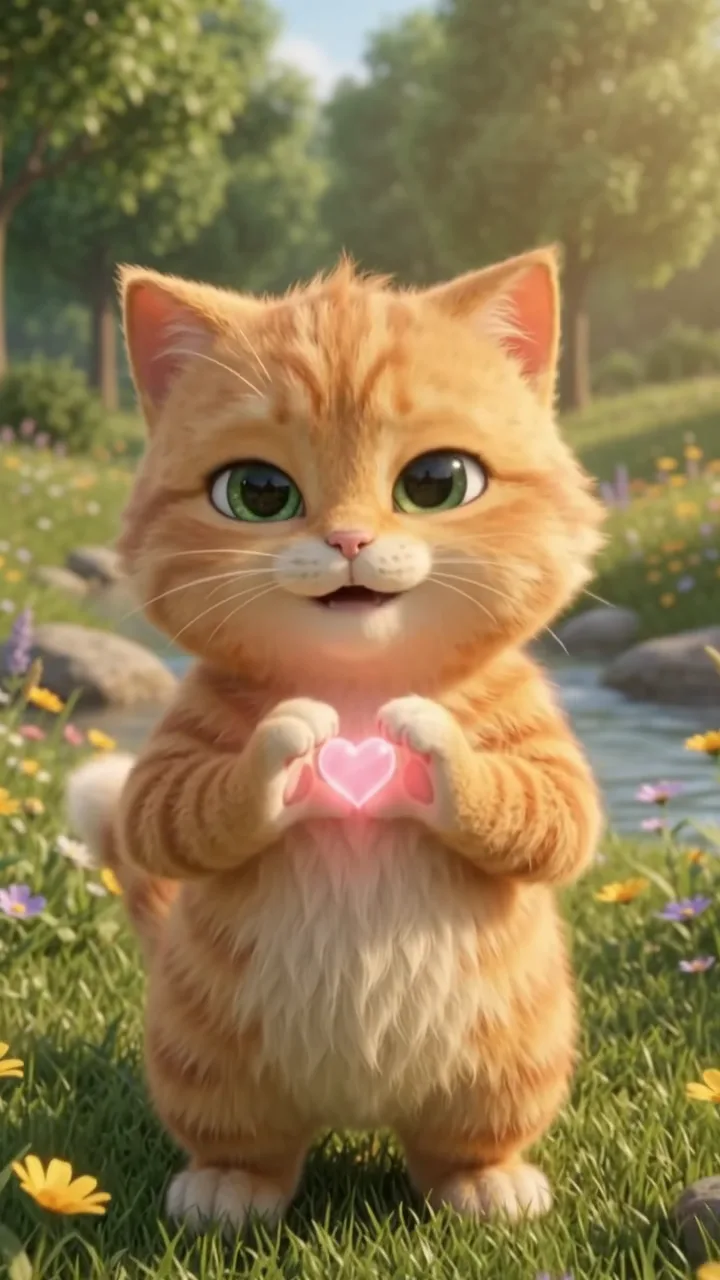
Pick a clear photo
Your pet's face in focus and large in the frame, eyes visible, nothing covering them. A photo where the whole body shows works best for dancing and walking.
Right in your browser, no app · Your first clip before you sign in · Sound and no watermark · No daily cap on a free account
Pick the photo of your dog or cat you love most, choose what they do, and watch your own pet come alive with its own sound, ready for the family chat: the same face, the same fur, the same ears.
Four pet clips people made and posted, each turned into a template in the generator above. Pick one, upload a photo of your own dog or cat, and the prompt is already written for you.
A tabby Scottish fold and a black British shorthair get up on their hind legs and dance in step in front of a red fence. The template for any cat who looks like they have rhythm.
A corgi stands up beside a parked car and waves its paws at the camera, ears flopping on the beat. Dancing dogs are the pet clip people ask for first.
An orange cat as tall as the buildings strolls down a Manhattan avenue between yellow taxis, then looks up at a helicopter. Your pet, blown up to monster-movie size.
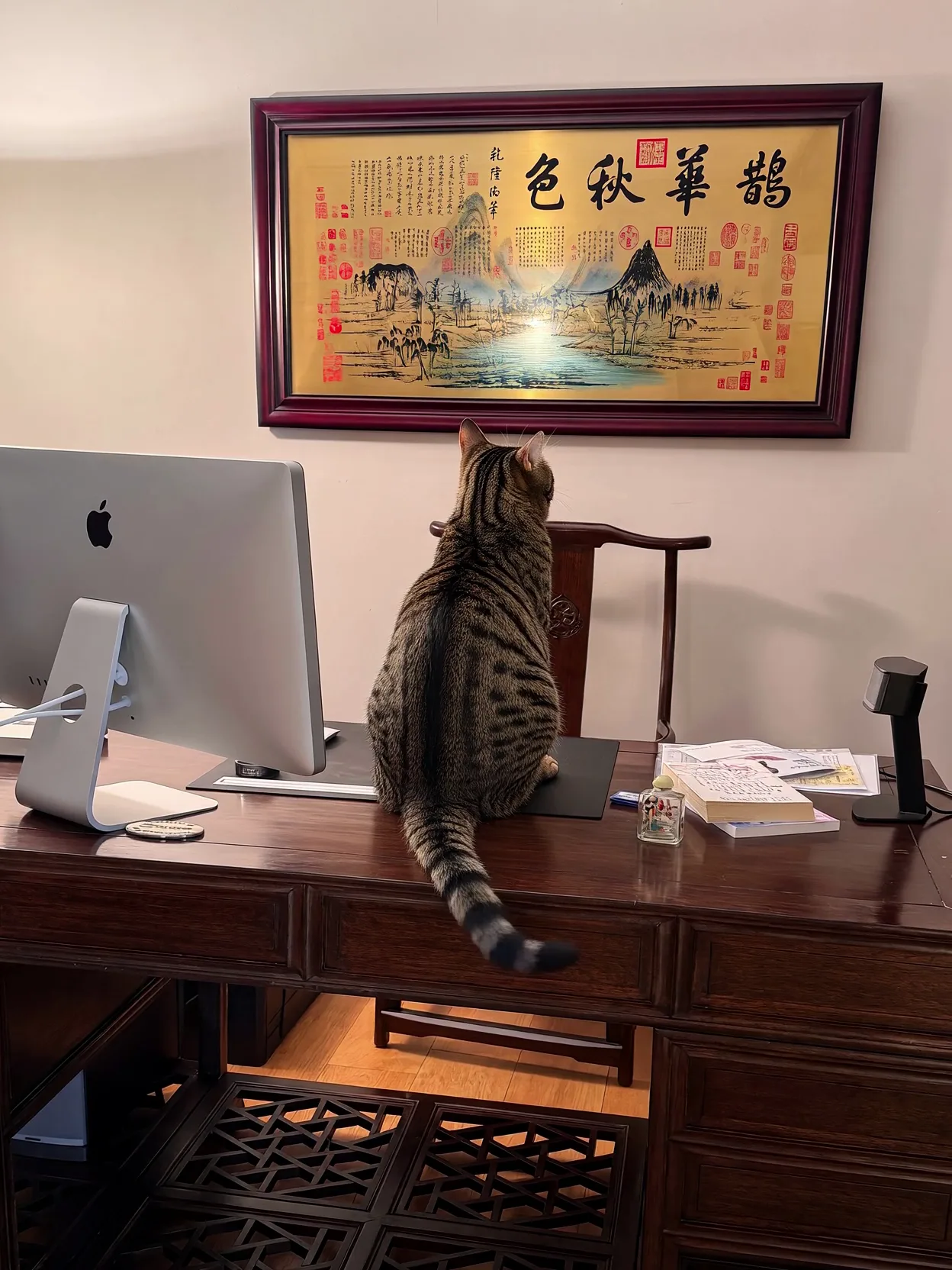
The cat on the desk looks up at the scroll on the wall and steps inside it, splashing through a gold ink river. A real photo of a real cat, turned into a little fairy tale.
Left is an ordinary phone photo of a tabby on a desk, looking up at a painting. Right is the clip that starts from it: the cat walks into the painting and wades through the river. The first frame of the clip is the photo, so the cat that moves is the cat in the photo.
Pet photo to video AI turns one still photo of your dog or cat into a short clip where they move: a head tilt, a dance, a stroll, a line in their voice. Your photo is the first frame, one sentence decides what happens, and the sound comes with it. Same free lane as photo to video AI free, pet templates included; no photo at all? The AI animal video generator starts from a typed scene.
Creative engine
A photo from your camera roll and a line about what your pet does go in; an MP4 with sound comes out.
It does not paste a cartoon face over your pet. The body moves, the fur moves, the light moves, and the pet stays the one in your photo.
No slow zoom over a still with a song on top. The paws, the ears and the tail actually move, and the sound is made in the same run.
A senior lab, a scruffy rescue, a kitten, a chonky orange cat: if the face is clear in the photo, the clip keeps it.
Beyond the dance, the giant pet and the painting above, these are the ideas people ask for most. Each clip here started from one ordinary phone photo of a pet as its first frame, plus one sentence in the prompt box.
From the photo already on your phone to a clip you can post, free.
Your pet's face in focus and large in the frame, eyes visible, nothing covering them. A photo where the whole body shows works best for dancing and walking.
Tap the dance, the giant pet or the painting, or write what happens: she yawns and stretches, he tilts his head and barks once, they run toward the camera.
Press Generate. The clip opens on your photo and comes back with sound. Change one word and run it again until it looks like them being them.
Download the MP4 and post it to TikTok, Reels or Shorts, or drop it in the family chat. Nothing is stamped in the corner.
Here is exactly what each way in gets you, so you can check the free claim before you upload anything.
The same camera roll, one more job: the old family photos with the dog in them, a pet with a proper voice, or an animal scene with no photo at all.
Unlimited MiniMax H3 on every paid plan, plus fast credits each month for Veo 3.1, Seedance and Grok. A failed run is refunded.
Free · A real clip before you pay anything
Nothing to sign, nothing to cancel.
1×
full-speed H3 a day
1
clip rendering at once
What's included
2×
full-speed H3 a day, vs Starter
2
clips rendering at once
Everything in Starter, plus
Checkout runs on Stripe. Your card details never reach Movoa.
5×
full-speed H3 a day, vs Starter
3
clips rendering at once
Everything in Creator, plus
10×
full-speed H3 a day, vs Starter
5
clips rendering at once
Everything in Pro, plus
Cancel from Settings → Billing whenever you like; your plan keeps running until the end of the period you already paid for. Who runs Movoa, every model on the shelf and how to reach us are on the about page.
Yes. This pet photo to video AI makes 4-second 480p clips with sound on MiniMax H3 for free. Your very first clip runs without an account; after that, a free account keeps going with no daily cap. Plans, listed on the pricing page, add 768p, clips up to 15 seconds and commercial use.
On a free account, yes: there is no daily cap on free MiniMax H3 clips, so you can run every photo in the album. Your first clip of the day starts at once and later ones take their turn; on a plan your clips run at full speed every day.
Upload the photo above, pick a template or write one thing your dog does — wags, tilts its head, dances, runs to the camera — and press Generate. The clip starts on your photo, so it is your dog that moves, and it comes back with sound.
Yes. Dancing dogs are the clip people ask for most. Pick the corgi template or write the dance and the music; a photo that shows your dog's whole body gives the dance the most to work with. For full routines, photo dance AI has more moves.
Yes. Put the line in quotes and say who says it, such as the cat says: "Where is my breakfast?" MiniMax H3 voices it in the same pass as the picture, with the mouth on the words. Talking photo AI covers longer lines.
Yes. Cats, dogs, rabbits, birds: any pet whose face is clear in the photo. Three of the four templates on this page are cats, and a cat photo to video works the same way as a dog one.
The clip opens exactly on your photo, so the first frame is them. Small movements keep the likeness closest; a big turn or a run out of frame asks the model to imagine more of your pet, so a sharp, front-facing photo helps.
Yes, and many people do: a few seconds of a favourite photo blinking, breathing or wagging again. Keep the movement small and true to them, and share it with the people who knew them.
You do not need one. This page runs in the phone browser: upload straight from your camera roll and the clip downloads back to it. Nothing to install, nothing to subscribe to before your first clip.
No. Pet clips are saved as the model renders them, free ones included: nothing stamped in a corner, nothing to crop before you post to TikTok or Reels.
Free clips are 4 seconds, enough for a head tilt, a wag or a few dance steps. On a plan, MiniMax H3 runs 4 to 15 seconds at 768p; the template clips on this page run 10 to 14 seconds.
Find the photo of them you smile at every time, upload it, and watch them move with their own sound. Start free with no sign-up, and a free account has no daily cap.
Free · 480p · with sound