An AI trend video generator is really three different tools, and picking the wrong kind is what makes the bill add up: on November 20, 2026, twenty AI trend clips a month cost $99.98 to $199.80 across the five pay-per-clip AI trend sites we checked, against $14.90 a month on Movoa's Starter plan, where you write the prompt yourself and H3 clips are not capped.
- Want this week's trend with one photo and no prompt: a one-photo AI trend site. ViralVideoAI lists 289 trend formats, Try a Trend starts at $4.99 a clip, and Movoa's AI video trends are $9.99 a clip, paid once.
- Already editing in CapCut: use its trending templates (capcut.com). Many are free; the AI ones run on CapCut Pro credits.
- Posting a trend most days, or remaking one nobody has templated yet: a video model you prompt. On Movoa, every paid plan makes MiniMax H3 clips with sound with no monthly cap, from $14.90 a month, and you can make your first clip free before you choose.
You want Kind of tool 1 clip 20 clips a month One trend, now, no prompt Trend template site $4.99–$9.99 $99.98–$199.80 Trend edits inside your editor CapCut template Free templates; AI ones on Pro Pro $19.99/mo covers about 16 Any trend, as often as you like Video model you prompt Free account: 4 s at 480p $14.90/mo on Movoa Starter
Last updated: November 20, 2026. Every price below was read on the tool's own page that day unless the row names another source and date.
Which kind of AI trend video generator do you need?
The clip you saw on TikTok was almost certainly made one of three ways. Try a Trend's own guide puts it the same way: a CapCut template, a general AI video app, or a one-photo trend generator. They differ in what you hand over and in what one more clip costs you.
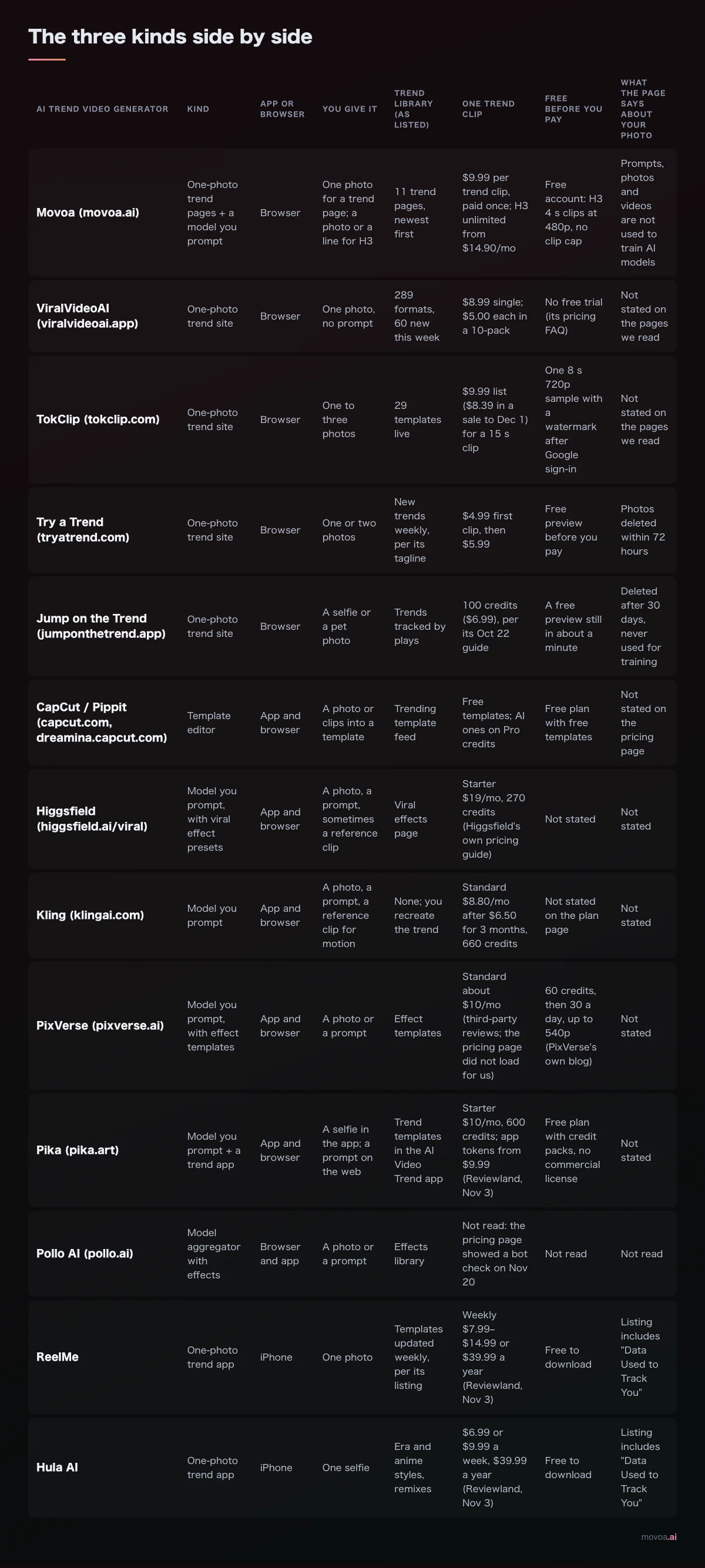
The three kinds side by side
We read each tool's pricing or product page on November 20, 2026. "Not stated" means the page we read does not say. Prices are in USD before tax.
| AI trend video generator | Kind | App or browser | You give it | Trend library (as listed) | One AI trend clip | Free before you pay | What the page says about your photo |
|---|---|---|---|---|---|---|---|
| Movoa (movoa.ai) | One-photo trend pages + a model you prompt | Browser | One photo; or a photo or line for H3 | 11 trend pages, newest first | $9.99 paid once; H3 unlimited from $14.90/mo | Free account: H3 4 s clips at 480p, no clip cap | Not used to train AI models |
| ViralVideoAI (viralvideoai.app) | Trend template site | Browser | One photo, no prompt | 289 formats, 60 new this week | $8.99 single; $5.00 each in a 10-pack | No free trial (its pricing FAQ) | Not stated |
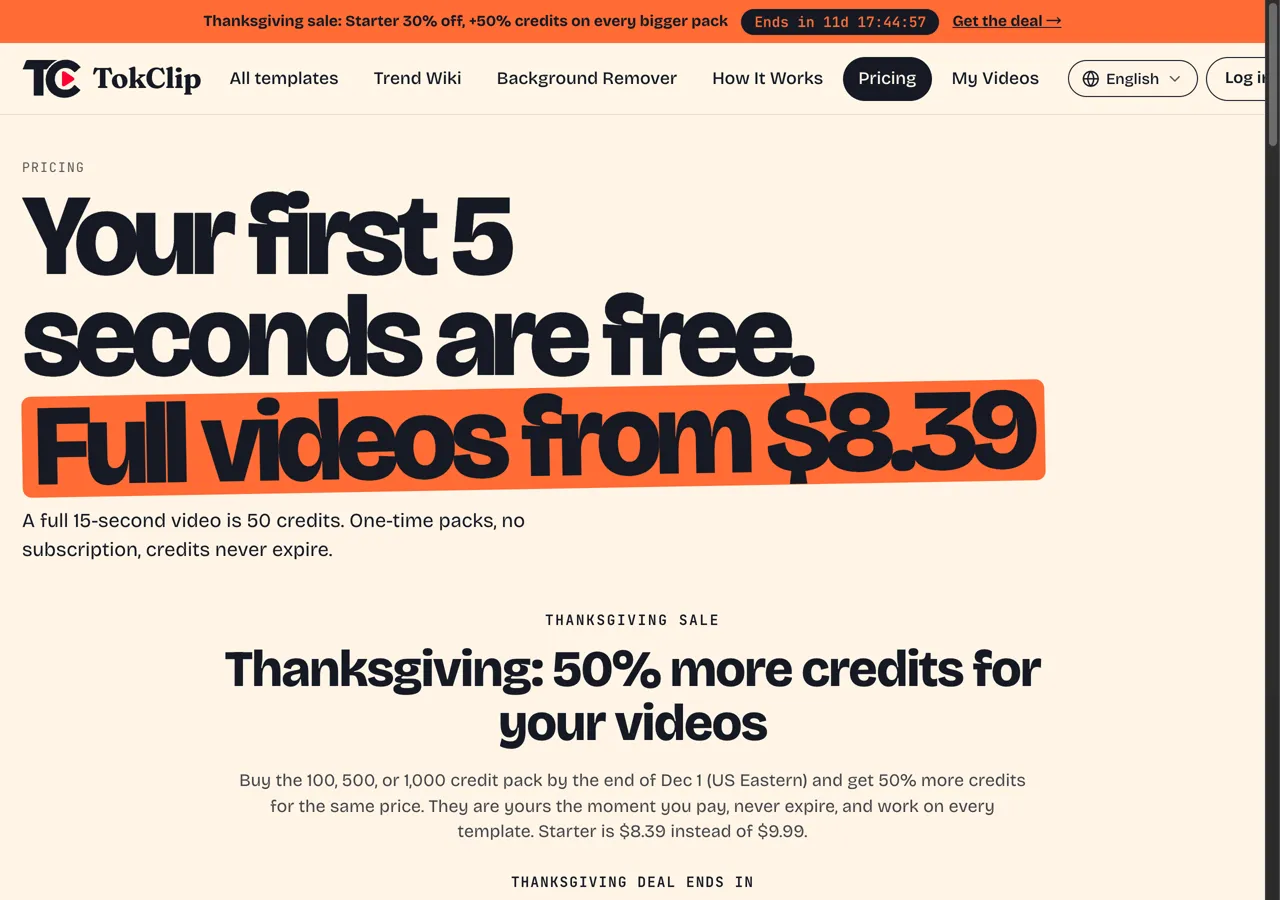
| TokClip (tokclip.com) | Trend template site | Browser | One to three photos | 29 templates live | $9.99 list ($8.39 in a sale to Dec 1) for a 15 s clip | One 8 s watermarked sample | Not stated |
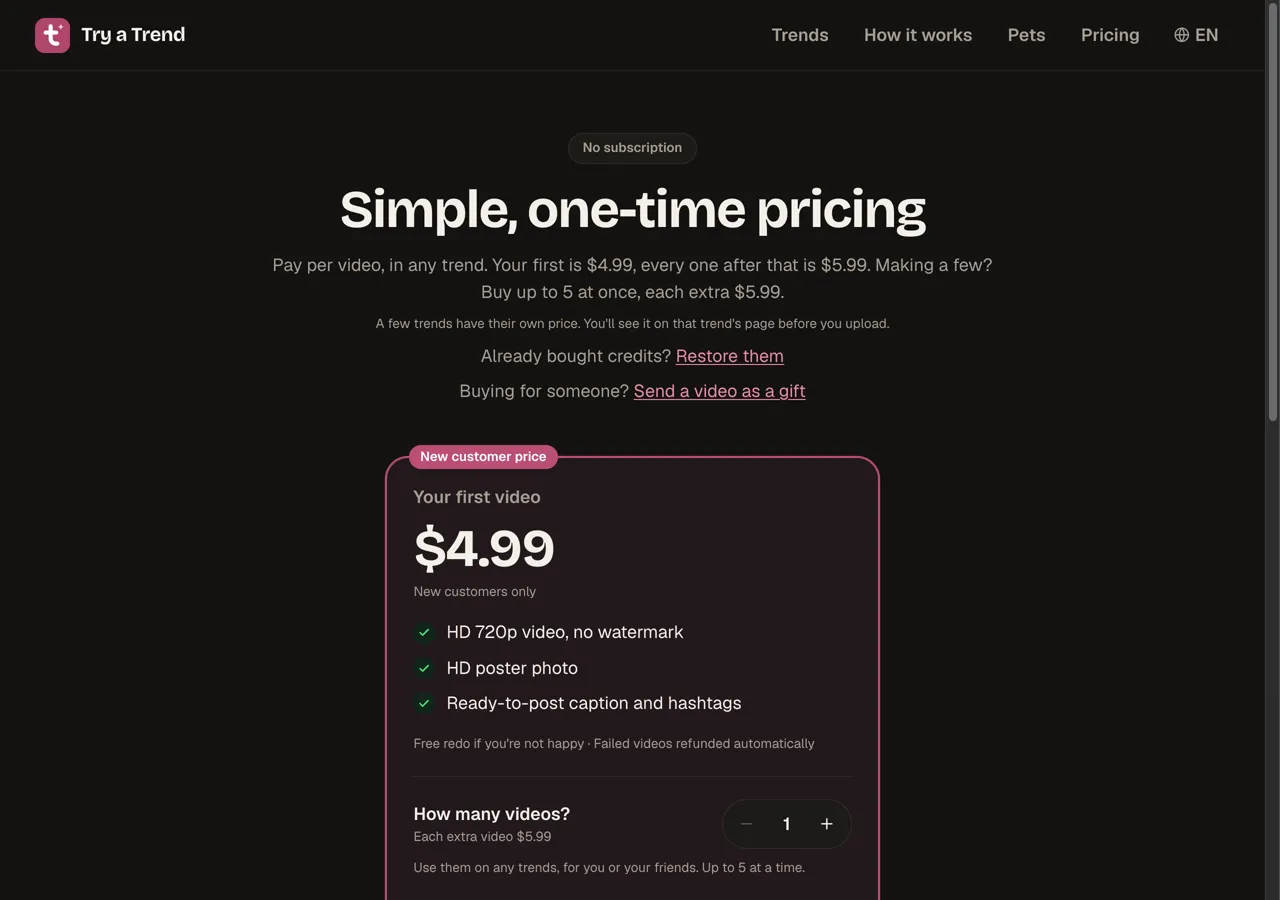
| Try a Trend (tryatrend.com) | Trend template site | Browser | One or two photos | New trends weekly, per its tagline | $4.99 first clip, then $5.99 | Free preview before you pay | Photos deleted within 72 hours |
| Jump on the Trend (jumponthetrend.app) | Trend template site | Browser | A selfie or a pet photo | Trends tracked by plays | 100 credits ($6.99), per its Oct 22 guide | A free preview still in about a minute | Deleted after 30 days, never used for training |
| ReelMe | Trend template app | iPhone | One photo | Templates updated weekly, per its listing | Weekly $7.99–$14.99 or $39.99 a year (Reviewland, Nov 3) | Free to download | Listing includes "Data Used to Track You" |
| Hula AI | Trend template app | iPhone | One selfie | Era and anime styles, remixes | $6.99 or $9.99 a week, $39.99 a year (Reviewland, Nov 3) | Free to download | Listing includes "Data Used to Track You" |
| CapCut / Pippit (capcut.com, dreamina.capcut.com) | Template editor | App and browser | A photo or clips into a template | Trending template feed | Free templates; AI ones on Pro credits | Free plan with free templates | Not stated |
| Higgsfield (higgsfield.ai/viral) | Model you prompt, with viral effect presets | App and browser | Photo, prompt, sometimes a clip | Viral effects page | Starter $19/mo, 270 credits | Not stated | Not stated |
| Kling (klingai.com) | Model you prompt | App and browser | Photo, prompt, motion clip | None; you recreate the trend | $8.80/mo, 660 credits | Not stated | Not stated |
| PixVerse (pixverse.ai) | Model you prompt, with effect templates | App and browser | A photo or a prompt | Effect templates | About $10/mo (third-party reviews) | 30 credits a day, up to 540p | Not stated |
| Pika (pika.art) | Model you prompt + a trend app | App and browser | Selfie (app) or prompt (web) | Trend templates in the AI Video Trend app | Starter $10/mo, 600 credits | Free plan, no commercial license | Not stated |
| Pollo AI (pollo.ai) | Model aggregator with effects | Browser and app | A photo or a prompt | Effects library | Not read (bot check, Nov 20) | Not read | Not read |
The rule that falls out of the table: if the trend is already listed on a trend site, use the site; if it is not, or you will post more than two a month, use a model you prompt.
One-photo AI trend video generator sites: the fastest way to copy this week's trend
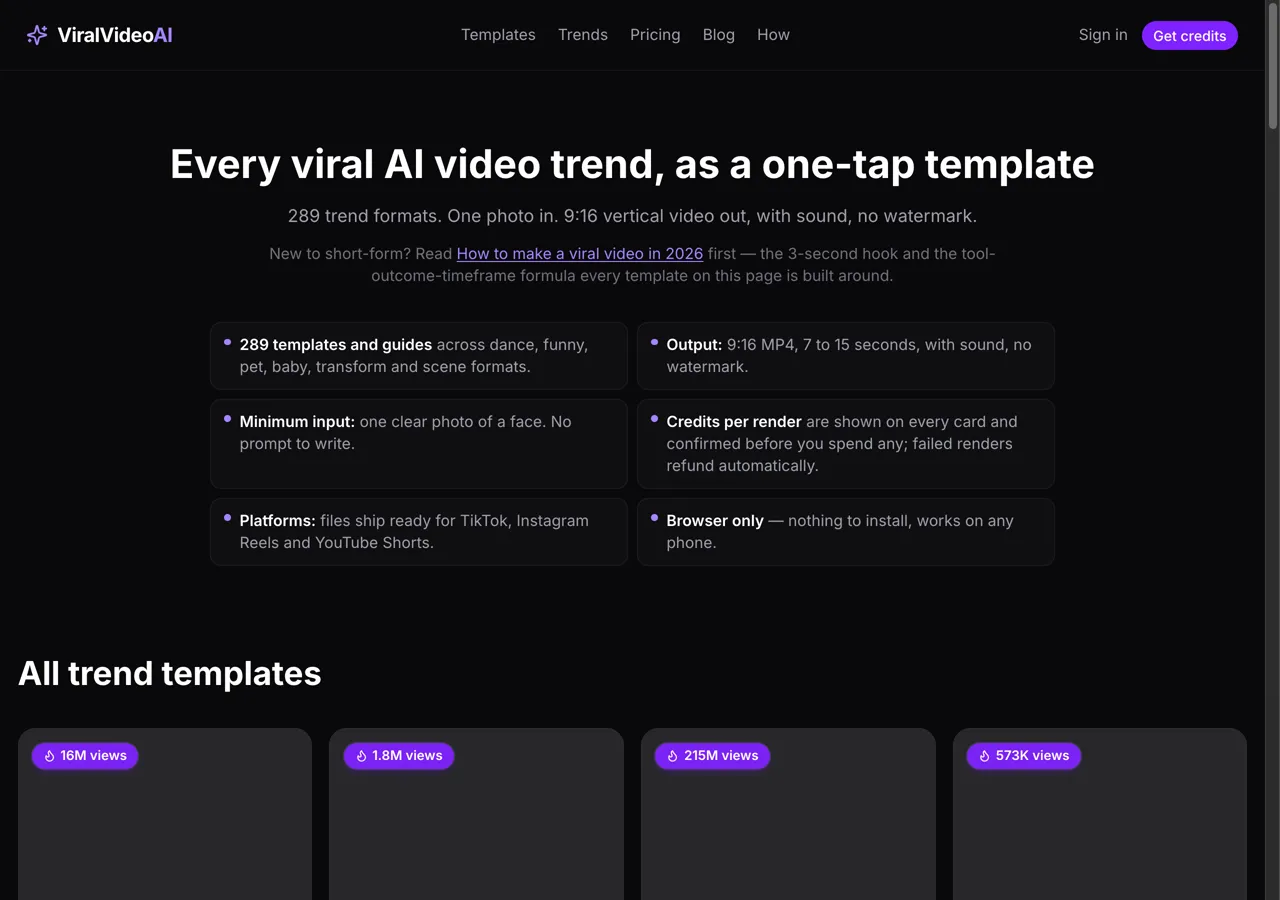
If the comment under the clip says "what app?", this is usually the answer. You pick the trend, upload a photo, and get a vertical clip back, with no prompt to write.
ViralVideoAI: the biggest trend catalog we found
ViralVideoAI lists 289 trend formats, 265 ready to make and 60 new this week, each a 9:16 clip of 7 to 15 seconds with sound and no watermark. Every standard render is 130 credits: $8.99 for one, $19.99 for three ($6.66 each) or $49.99 for ten ($5.00 each), and packs stay valid for 730 days. Its pricing FAQ opens with "Why no free trial?", so expect to pay for the first clip. Where it stops: it makes the trends in its catalog and nothing else.
TokClip: priced per 15-second clip, sold in packs
TokClip had 29 templates live on November 20, each tagged with an estimate of views, such as ≈31.5M for "Put The Rollie On My Wrist". A full 15-second video is 50 credits; one is $9.99 at list, and the 1,000-credit Studio pack is $119.99 for 20 videos at list price (30 with its sale bonus, which ends December 1). Its headline says the first 5 seconds are free; the offer underneath is one 8-second 720p sample after Google sign-in, with a TokClip watermark.
Try a Trend and Jump on the Trend: see a preview before you pay
Both show you a free preview before money changes hands. Try a Trend charges $4.99 for your first clip and $5.99 for each one after, at 720p with no watermark, with one free redo and photos deleted within 72 hours. Jump on the Trend gives a free preview still in about a minute, then 100 credits ($6.99) for the video, according to its guide updated October 22, 2026.
Movoa's AI video trends: one photo, paid once
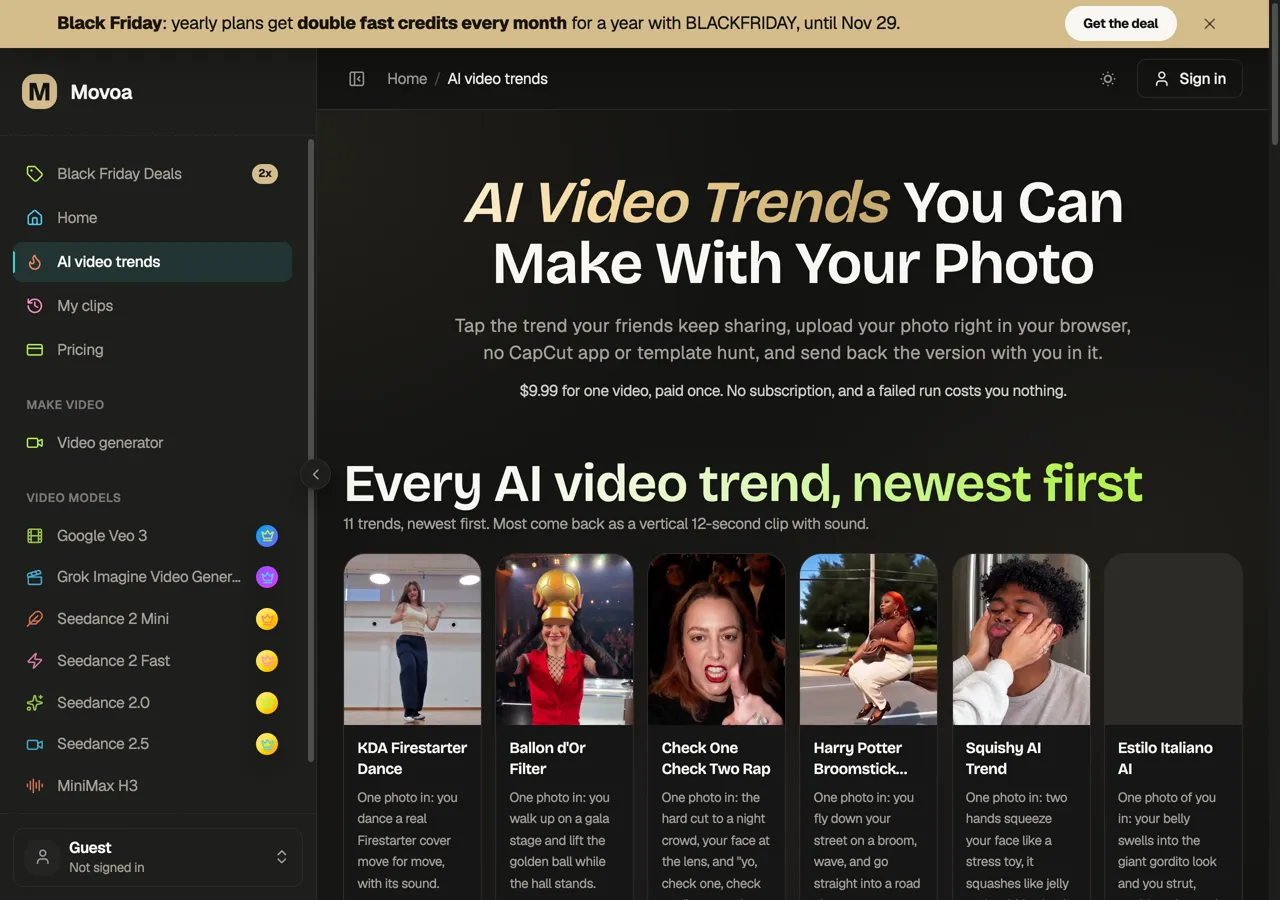
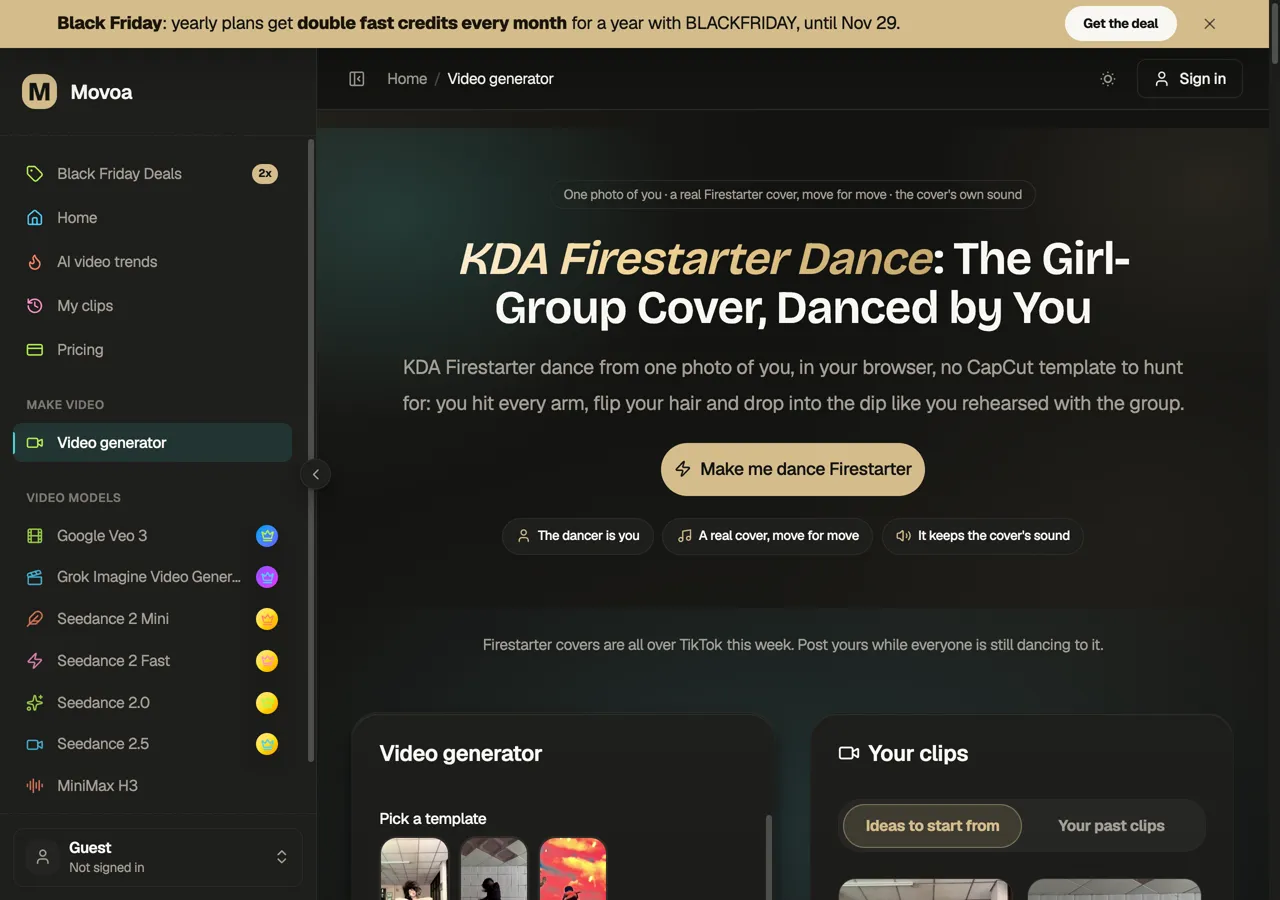
Movoa's AI video trends page works the same way: tap a trend, upload one photo in the browser, and get a vertical clip, mostly 12 seconds, with sound. Each one is $9.99, paid once, with no subscription, and a failed run costs nothing. The KDA Firestarter dance page goes a step further than most template sites: it uses a real dance cover as the motion reference, so the person in your photo dances that cover move for move.
CapCut as an AI trend video generator: free templates if you already edit there
CapCut is where many AI trend clips start: a template link sits above the caption, and tapping it opens the same template in CapCut. Plenty of templates are free. The AI ones run on credits: CapCut Pro is $19.99 a month with 1,200 AI credits, which its pricing page says is enough for up to 240 seconds at 720p on Seedance 2.0 Mini, or about sixteen 15-second clips. Pippit and Dreamina are CapCut's sister tools for marketing clips and AI generation.
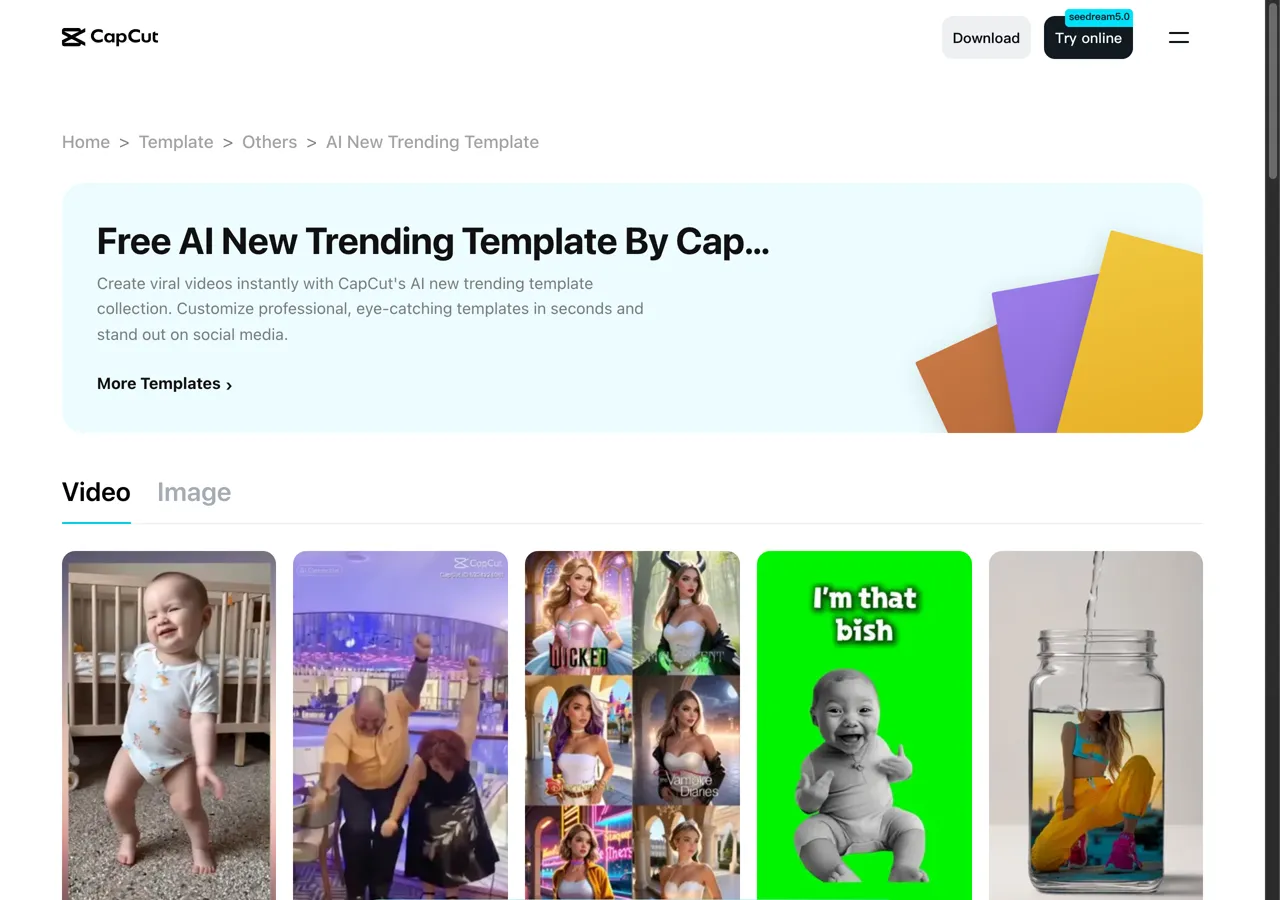
Where it stops: a template only swaps your photo into what someone else built, and a template does not always match the viral original. To edit a clip you made elsewhere, import the MP4 into CapCut, trim it to the beat, add the trend sound and export.
A video model you prompt as your AI trend video generator: make any trend
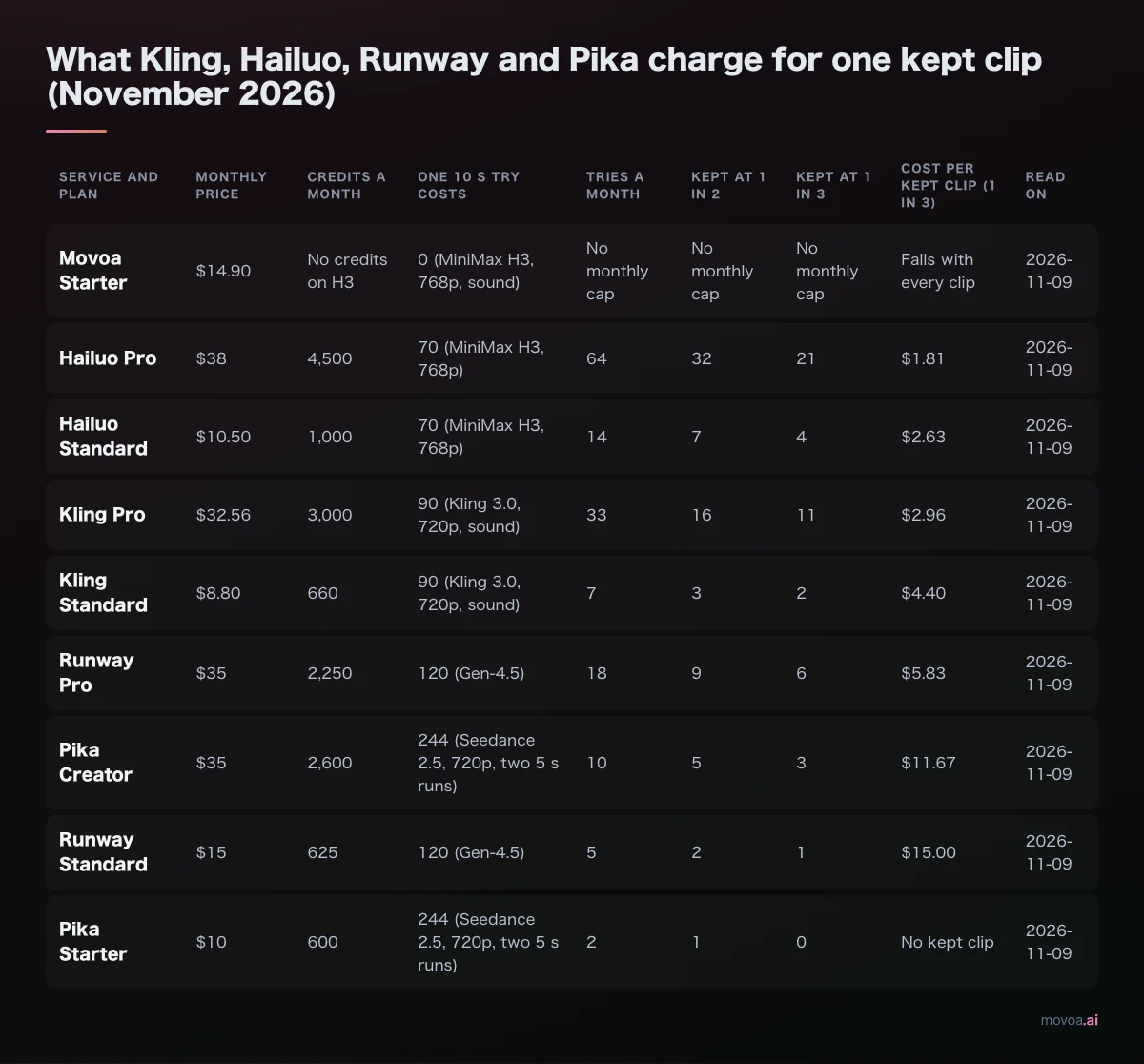
A model you prompt has no catalog to run out of. You describe the shot, add your photo as the first frame, and the model renders it. It is the only route for a trend from yesterday that nobody has set up yet, and on Movoa Starter it is the cheapest route in our cost table from the third clip of the month.
Higgsfield, Kling, PixVerse and Pika
- Higgsfield has a viral effects (higgsfield.ai) page with presets on top of several models; Starter is $19 a month for 270 credits, per Higgsfield's own pricing guide.
- Kling takes a reference clip for motion, which suits dance trends; its plan page lists Standard at $8.80 a month (660 credits) after a $6.50 offer for three months.
- PixVerse has effect templates and a daily free allowance: 60 credits at sign-up, then 30 a day, up to 540p, per PixVerse's own blog.
- Pika has a separate AI Video Trend app for selfie trends and a web Starter plan at $10 a month for 600 credits.
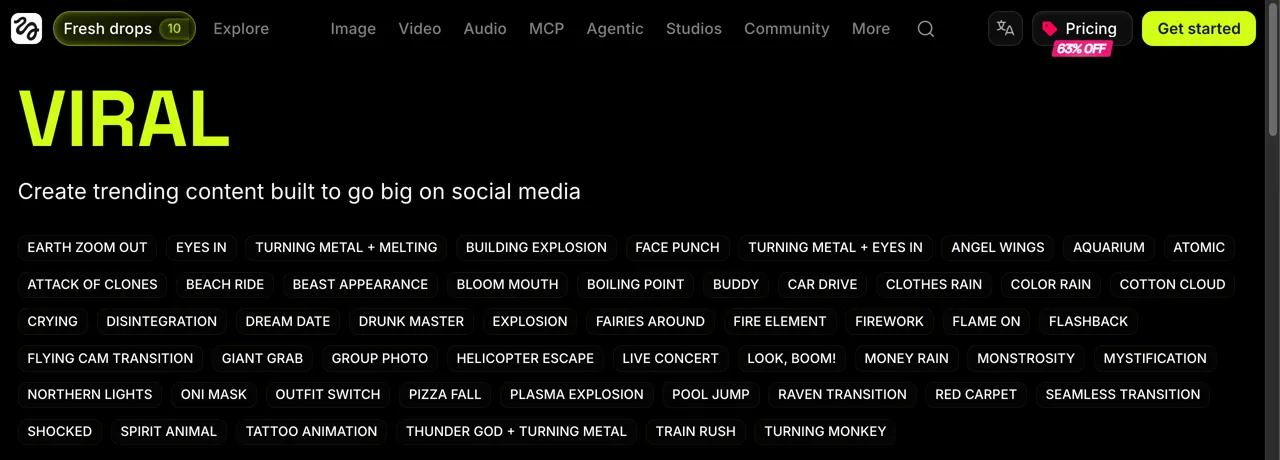
In GenVerdict's October 2026 blind test of 11 prompts, Kling 3.0 scored 7.2 out of 10 at $0.52 a 4-second clip and PixVerse V6 7.1 at $0.21. On every one of these, each clip spends credits, so a daily AI trend habit is a monthly credit budget.
Movoa: the plan where the next clip costs nothing extra
On Movoa, MiniMax H3 makes clips of up to 15 seconds at 768p, and every clip comes with its own sound. Every paid plan has no monthly cap on H3: Starter is $14.90 a month, or $12.42 a month billed yearly, so the twentieth AI trend clip of the month costs what the first did. Each plan has a set number of full-speed H3 clips a day; after those, H3 keeps rendering in a relaxed queue rather than stopping. A free account runs H3 at 480p for 4-second clips with sound and no clip cap, so you can try a trend idea before you pay. Clips from every paid plan can be used commercially. Start from a photo on photo to video, describe the trend's shot, and post. If you post trends every week, this is the best AI trend video generator in this list: any trend, sound on every clip, and the same $14.90 whether you make five clips this month or fifty.
How much does an AI trend video generator cost per clip?
Here is the same 20 clips a month on each route, worked out from the prices above on November 20, 2026.
| Route | 1 clip | 20 clips a month (USD) | How we counted |
|---|---|---|---|
| Movoa Starter, H3 with your prompt | Included | 14.90 | No monthly cap on H3 |
| CapCut Pro, AI templates | Included | 19.99 + extra credits | $19.99 covers about 16 clips of 15 s; clips 17–20 need bought credits |
| ViralVideoAI 10-packs | 8.99 | 99.98 | Two 10-packs at $49.99 |
| Try a Trend | 4.99 | 118.80 | $4.99 + 19 × $5.99 |
| TokClip Studio pack | 9.99 | 119.99 | 1,000 credits = 20 videos at list |
| Jump on the Trend | 6.99 | 139.80 | 20 × $6.99 (Oct 22 price) |
| Movoa trend pages | 9.99 | 199.80 | 20 × $9.99, paid once each |
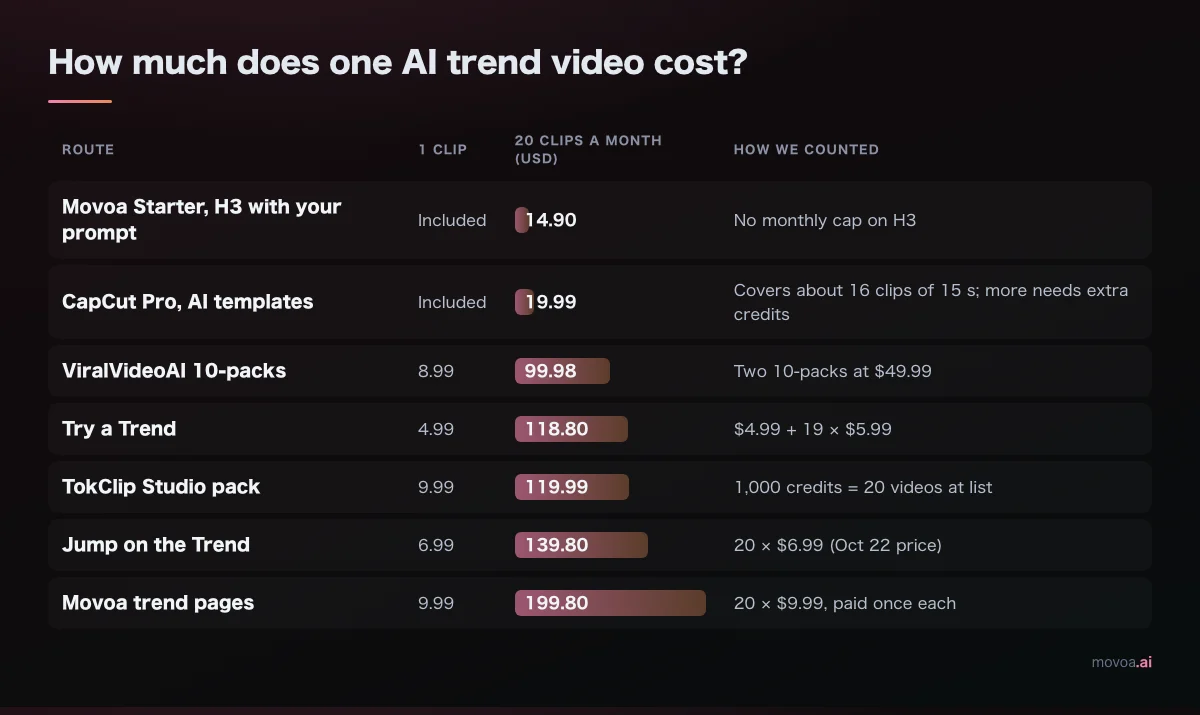
For one clip, the AI trend sites are the cheaper door. Three clips cost $16.97 on Try a Trend, the cheapest per-clip site here, so from the third clip a month Movoa Starter costs less, as long as you are happy to describe the shot yourself rather than get the trend's exact shot list.
How do you find out which trend is next?
The AI trend sites watch this for you; on the prompt route you watch it yourself:
- TikTok Creative Center trend pages (ads.tiktok.com) show rising hashtags, songs and creators by country, for the last 7 or 30 days.
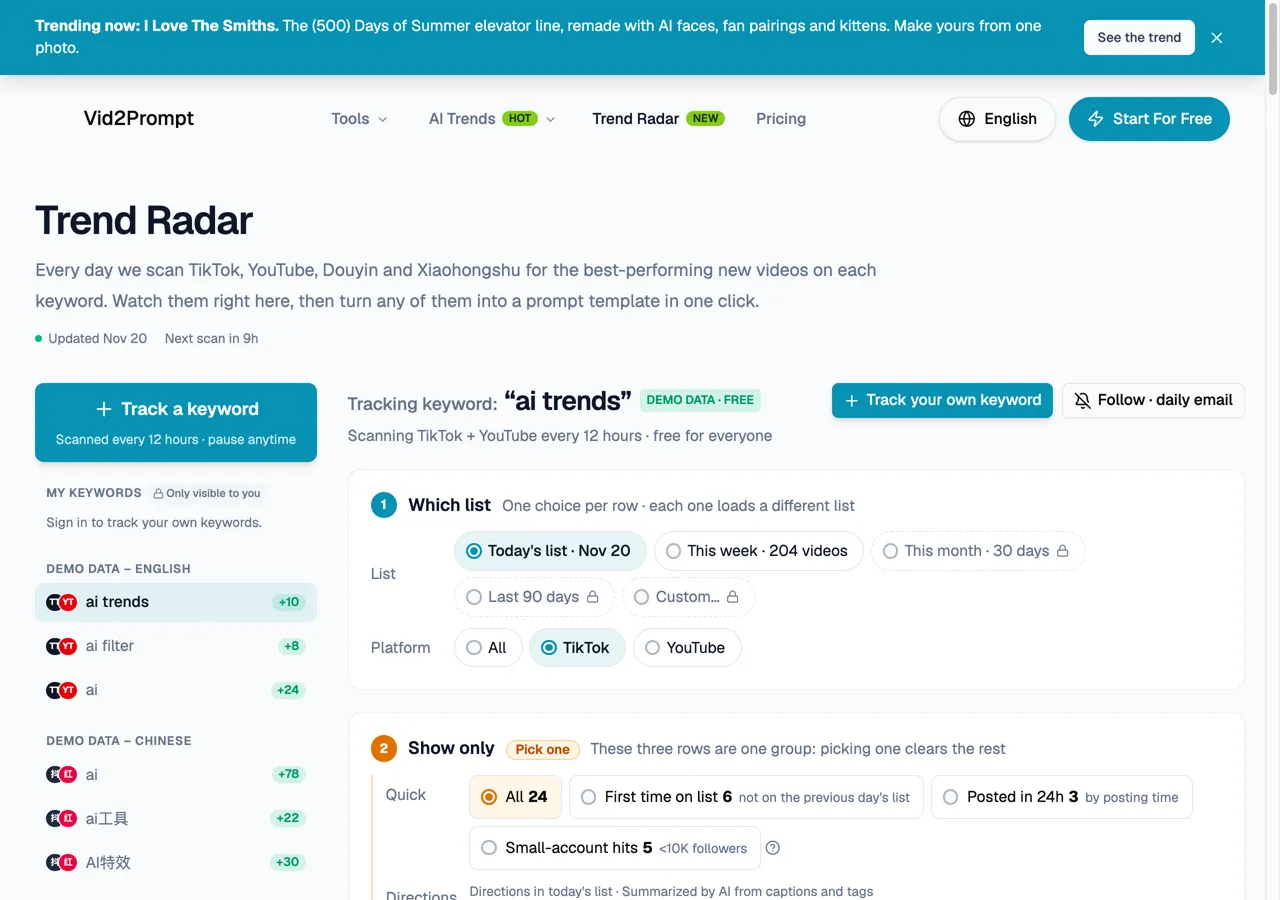
- vid2prompt.app's Trend Radar scans TikTok and YouTube every 12 hours and shows the best-performing new videos for a keyword such as "ai trends", 204 of them in the week of November 20.
- The AI trend sites' "new this week" counts are a free radar: ViralVideoAI listed 60 new formats the week of November 20.
How to use an AI trend video generator with one photo
Whatever the tool, the steps are the same:
- Find the original clip and watch it twice: what the person does, how long it runs, whether the sound is a song or part of the scene.
- Pick the kind of tool from the table above. An AI trend site if it already has the trend; a model you prompt if it does not, or if you will make more than a few a month.
- Use one clear, front-facing photo, a full-body shot for dance trends, and on the prompt route describe the moves in order and ask for 9:16. An AI trend dance prompt you can adapt: "Keep the person in the photo exactly as photographed. They perform the whole dance from the original clip in time with the beat, from the first step to the final pose. Vertical 9:16, full body in frame, natural motion, no text."
- Download the MP4 to your phone. Every AI trend video generator in the table gives you a file to save; on Movoa your clips stay in My clips to download again.
- Add the trend's song in TikTok or Reels when you post. Most tools give your clip its own sound rather than the licensed song; Movoa's trend pages say so under the button, and the KDA Firestarter page keeps the dance cover's own sound.
AI trend examples the tools list right now
These trends have a ready page on at least one tool on November 20, 2026; the view and play figures are the ones each site reports, not our own count.
| Trend | Where you can make it | Figure the site shows |
|---|---|---|
| Bulin 47 | Jump on the Trend | ≈385M views (read Oct 16) |
| Put The Rollie On My Wrist | TokClip | ≈31.5M views |
| Hair dye filter | Jump on the Trend | ≈51M views (read Oct 16) |
| Goodbye 2026 Welcome 2027 | TokClip | ≈780K+ views |
| GTA 6 | ViralVideoAI, TokClip | Several GTA 6 templates on both |
| KDA Firestarter dance | Movoa | A real cover as the motion reference |
| Check One, Check Two rap | Movoa | Your face at the lens, rapping |
| Harry Potter broomstick crash | Movoa | You fly down your street on a broom |
| Squishy AI trend | Movoa | Two hands squeeze your face like a stress toy |
FAQ
Is there a free AI trend video generator?
Yes, with limits on each. CapCut has free templates, PixVerse gives 30 credits a day at up to 540p, and TokClip, Try a Trend and Jump on the Trend show a free sample or preview before you pay. On Movoa, a free account makes 4-second H3 clips at 480p with no clip cap, so you can prompt a trend as many times as you like for free.
What app is everyone using for the AI trend videos?
Mostly CapCut templates, photo-to-trend sites, or general video models such as Higgsfield and Kling. A "CapCut · Try this template" link above the caption means a CapCut template; a watermark or end card usually names the app.
Do I need to write a prompt?
Not on a one-photo AI trend site or a CapCut template. On a model you prompt, yes: a few sentences describing the moves, the setting and 9:16 are enough.
How do you generate a trending AI video?
Find the original clip, check whether a trend site already lists it, and upload one clear front-facing photo there; if no site has it, give a video model your photo plus a few sentences on the moves, the setting and 9:16. Download the MP4 and add the trend's song when you post.
How do I download an AI trend video?
Every tool in the table gives you an MP4 to save. Paid clips from ViralVideoAI, Try a Trend and TokClip come without a watermark, and on Movoa every clip stays in My clips to download again.
Sources
Read November 20, 2026 unless noted: ViralVideoAI pricing (viralvideoai.app/pricing) · TokClip pricing (tokclip.com/pricing) · Try a Trend pricing (tryatrend.com/pricing) · Jump on the Trend guide (jumponthetrend.app, Oct 22) · CapCut pricing (capcut.com/pricing) · Kling membership plans (klingai.com) · Pika pricing (pika.art/pricing) · PixVerse free plan (pixverse.ai blog) · Higgsfield pricing guide (geo.higgsfield.ai) · Reviewland iPhone trend apps (reviewland.io, Nov 3) · Try a Trend guide to the apps behind AI trend videos (tryatrend.com).
Further reading, for a second opinion on the models: genverdict.com (11-prompt blind scores, October 2026) · lenspov.com (entry plans, October 29) · tesseract.dev · viraltrendvideo.com · navifyai.com · quantslant.com · rankdude.ai · gengrades.com.
If you post a trend most days, the numbers above point one way: twenty clips cost $14.90 on Movoa Starter against $99.98 or more on the pay-per-clip AI trend sites, and your first H3 clip is free to make right now.